- التسوق ، اصبح سهلا.
- /
- احصل على التطبيق!
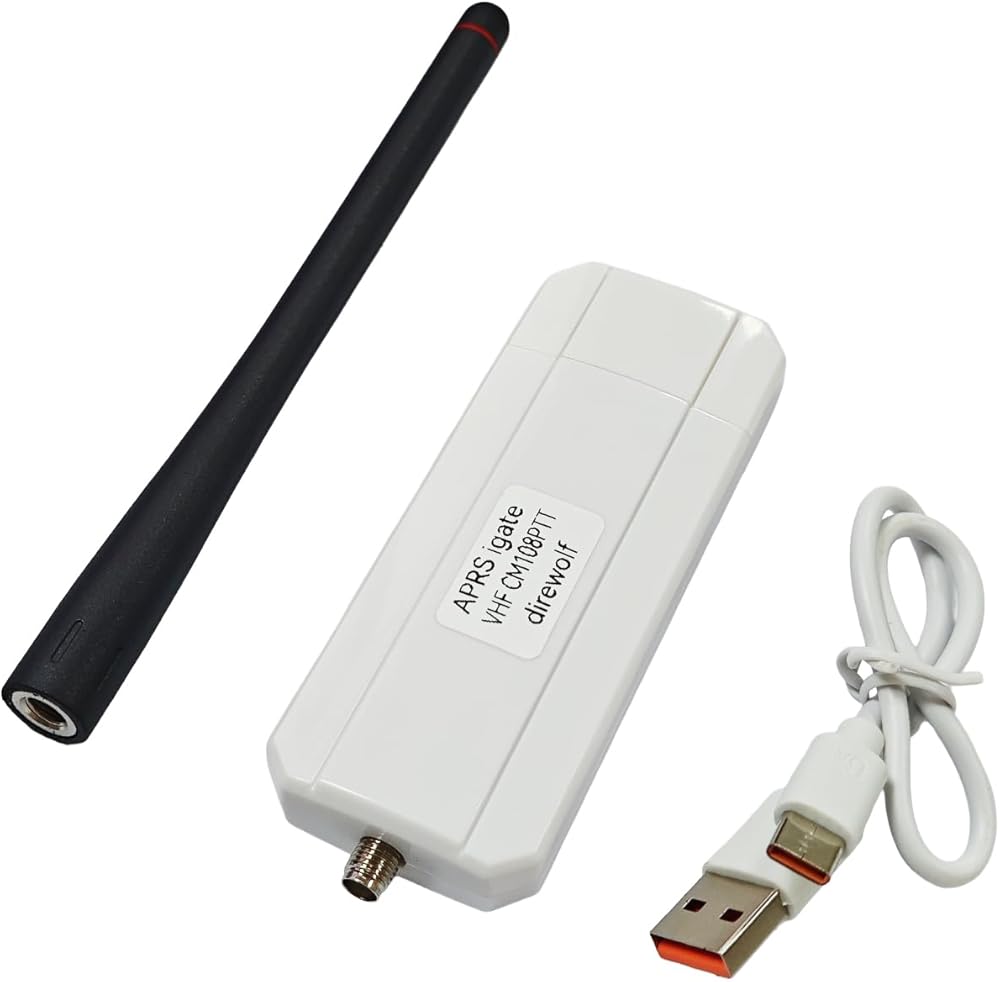
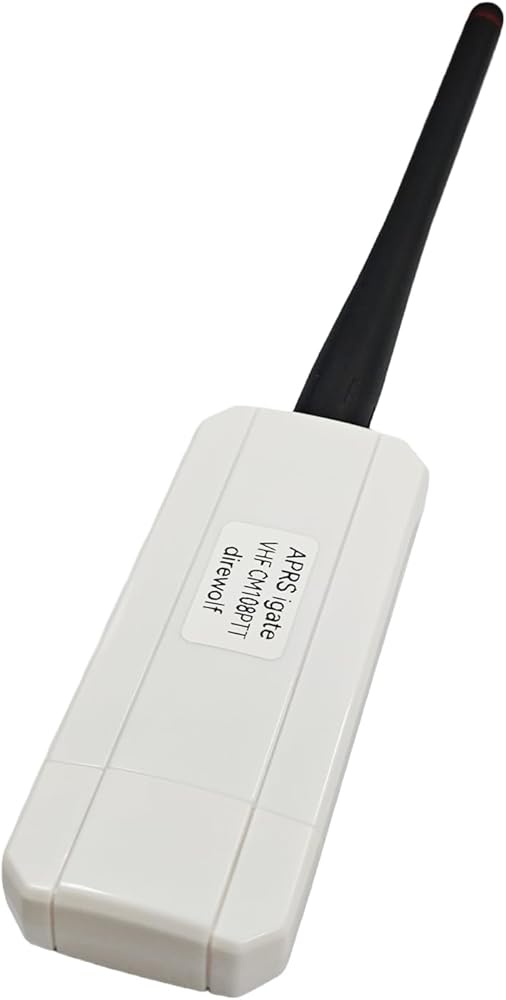
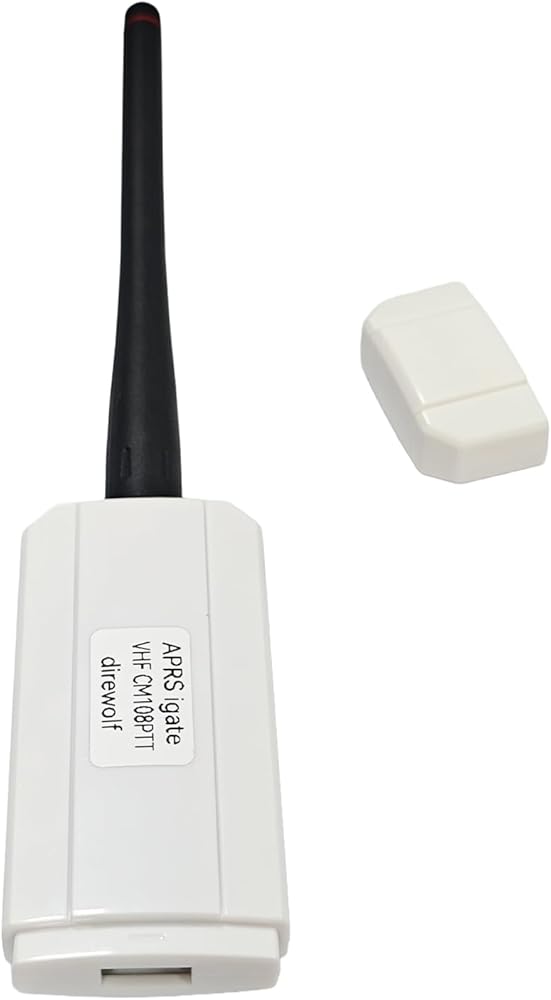
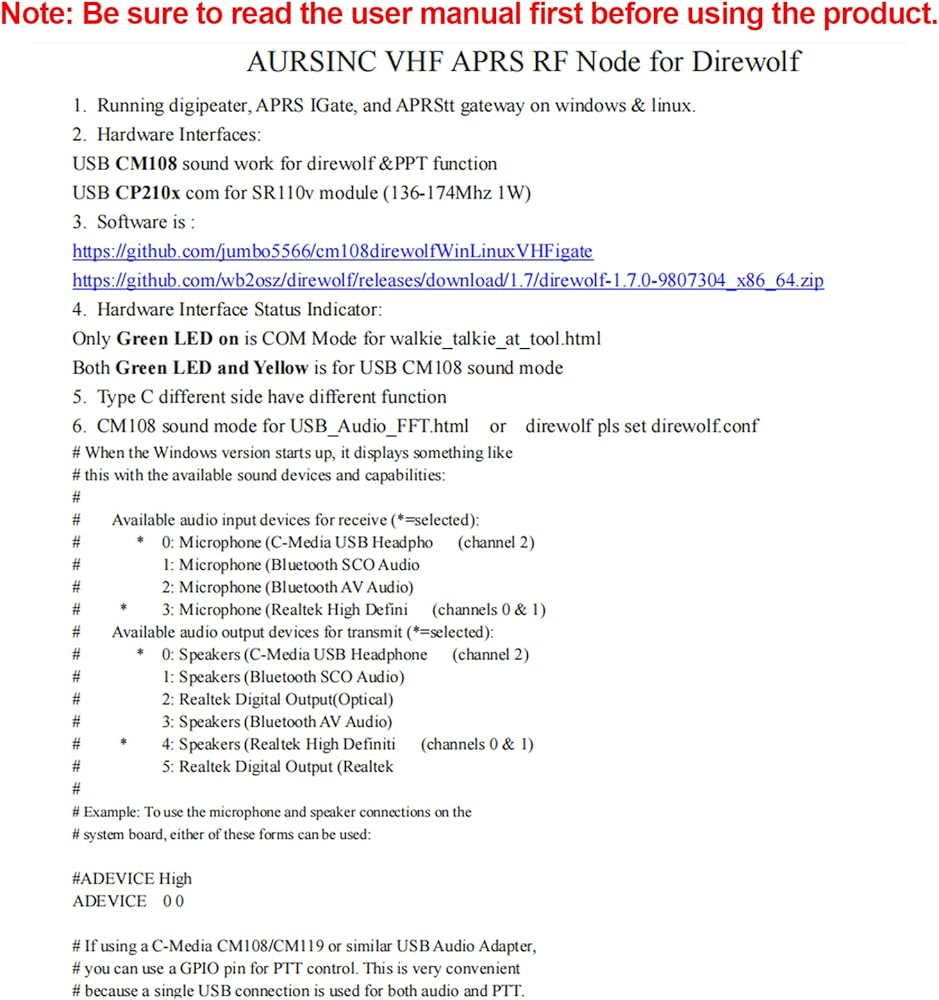
AURSINC VHF APRS RF Node for direwolf
Running digipeater, APRS IGate, and APRStt gateway on windows & linux.
Hardware Interfaces:
USB CM108 sound work for direwolf &PPT function
USB CP210x com for SR110v module (136-174Mhz 1W)
Software is :
github .com/jumbo5566/cm108direwolfWinLinuxVHFigate
github .com/wb2osz/direwolf/releases/download/1.7/direwolf-1.7.0-9807304_x86_64.zip
Hardware Interface Status Indicator:
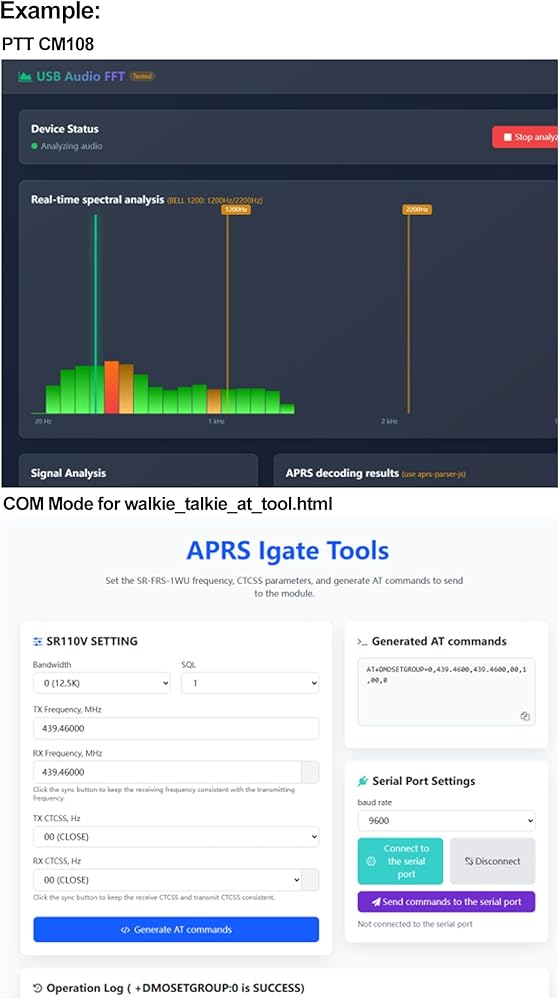
Only Green LED on is COM Mode for walkie_talkie_at_tool.html
Both Green LED and Yellow is for USB CM108 sound mode
Typec different side have different function
CM108 sound mode for USB_Audio_FFT.html or direwolf pls set direwolf.conf
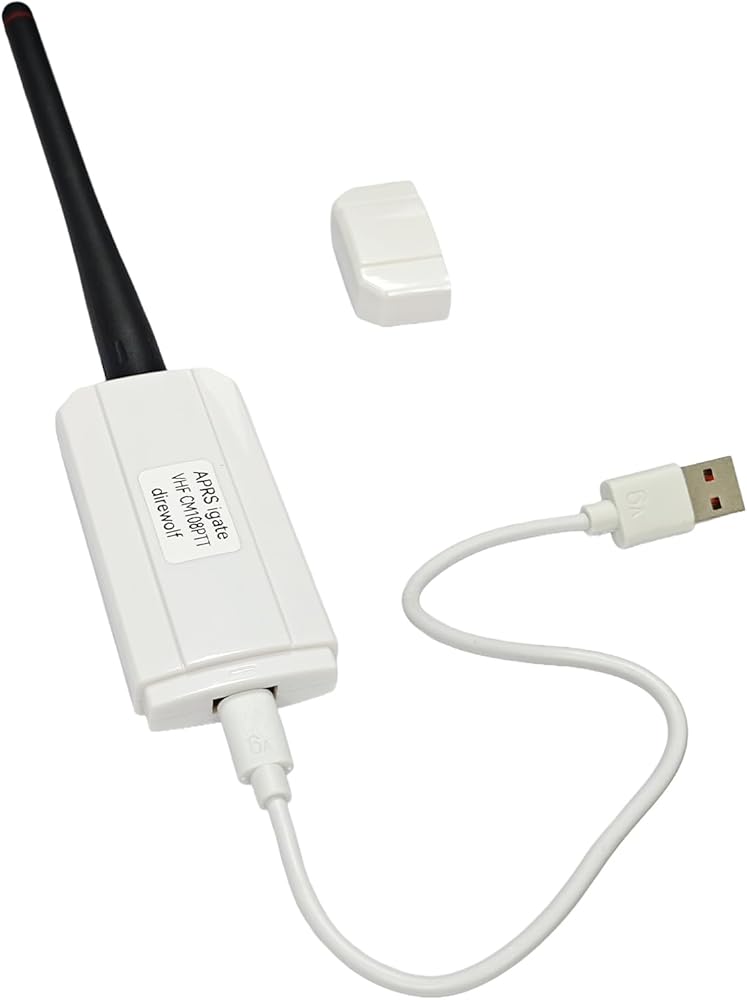
The USB-C plug that comes with this device can be oriented two different ways: one way for running Direwolf/Allstar, and the other for programming the SR110V radio module.
With the embossed text on the USB-C plug facing away from the "APRS igate" label, this device presents itself to the operating system as a CM108 sound card with a GPIO PTT port. This is how you use it with Direwolf/Allstar.
Oriented the other way, it presents a serial device. This is for programming the radio module. Using the open-source "SRFRS" tool, you can change the RX/TX frequencies, bandwidth (wide/narrow), and CTCSS tones. That way, you can listen to the International Space Station's (ISS) APRS digipeater on 145.825 MHz
# When the Windows version starts up, it displays something like
# this with the available sound devices and capabilities:
#
# Available audio input devices for receive (*=selected):
# * 0: Microphone (C-Media USB Headpho (channel 2)
# 1: Microphone (Bluetooth SCO Audio
# 2: Microphone (Bluetooth AV Audio)
# * 3: Microphone (Realtek High Defini (channels 0 & 1)
# Available audio output devices for transmit (*=selected):
# * 0: Speakers (C-Media USB Headphone (channel 2)
# 1: Speakers (Bluetooth SCO Audio)
# 2: Realtek Digital Output(Optical)
# 3: Speakers (Bluetooth AV Audio)
# * 4: Speakers (Realtek High Definiti (channels 0 & 1)
# 5: Realtek Digital Output (Realtek
#
# Example: To use the microphone and speaker connections on the
# system board, either of these forms can be used:
#ADEVICE High
ADEVICE 0 0
# If using a C-Media CM108/CM119 or similar USB Audio Adapter,
# you can use a GPIO pin for PTT control. This is very convenient
# because a single USB connection is used for both audio and PTT.
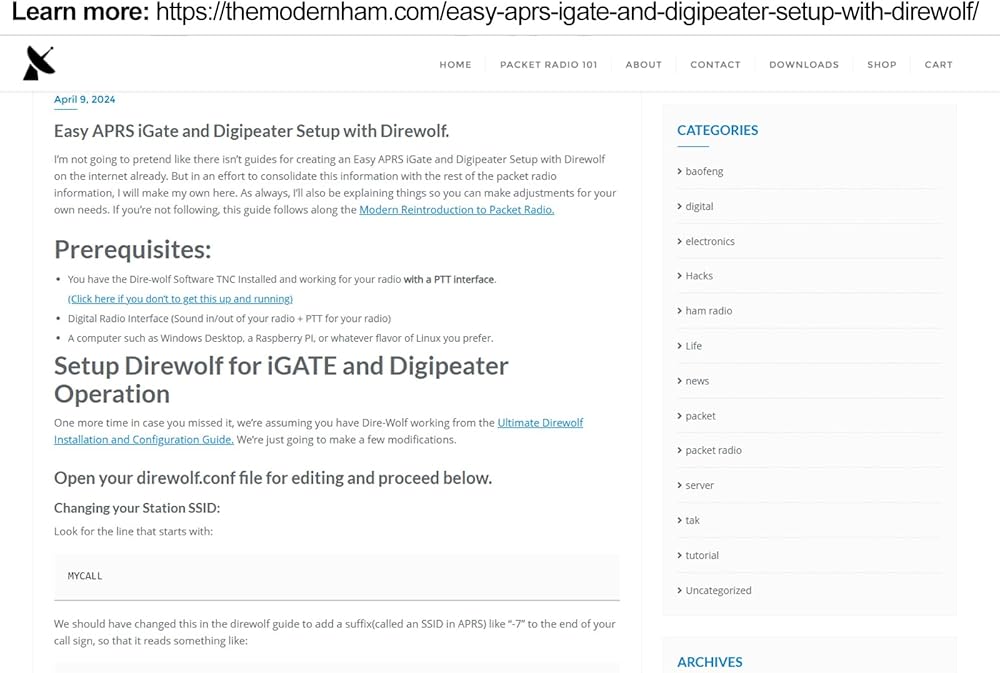
Learn more: themodernham .com/easy-aprs-igate-and-digipeater-setup-with-direwolf/
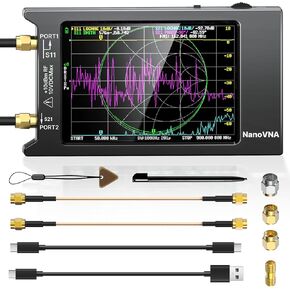 محلل شبكة ناقل AURSINC NanoVNA 10 كيلو هرتز - 1.5 جيجا هرتز HW V3.5 HF VHF UHF محلل هوائي قياس معلمات S، نسبة الموجة الدائمة للجهد، المرحلة، التأخير، مخطط سميث مع شاشة لمس 2.8 بوصة
KWD 37
محلل شبكة ناقل AURSINC NanoVNA 10 كيلو هرتز - 1.5 جيجا هرتز HW V3.5 HF VHF UHF محلل هوائي قياس معلمات S، نسبة الموجة الدائمة للجهد، المرحلة، التأخير، مخطط سميث مع شاشة لمس 2.8 بوصة
KWD 37
 AURSINC NanoVNA مجموعة معايرة SMA لمحلل الهوائي | موصل اختبار محوري RF قصير/تحميل/مفتوح/من خلال النوع 5 قطع/مجموعة
KWD 6
AURSINC NanoVNA مجموعة معايرة SMA لمحلل الهوائي | موصل اختبار محوري RF قصير/تحميل/مفتوح/من خلال النوع 5 قطع/مجموعة
KWD 6
 محلل الطيف المحمول tinysa - محلل التردد المحمول باليد AURSINC V0.3.1 | 100 كيلو هرتز إلى 960 ميجا هرتز مدخلات MF/HF/VHF UHF | وظيفة محمية من ESD وشاشة لمس 2.8 بوصة | مولد الإشارة
KWD 26
محلل الطيف المحمول tinysa - محلل التردد المحمول باليد AURSINC V0.3.1 | 100 كيلو هرتز إلى 960 ميجا هرتز مدخلات MF/HF/VHF UHF | وظيفة محمية من ESD وشاشة لمس 2.8 بوصة | مولد الإشارة
KWD 26
 -5%
AURSINC Allstar RF Node UHF SR-FRS وحدة برمجة راديو Pi-hat لـ Allstar وEcholink وAPRS والأوضاع الرقمية المتوافقة مع Raspberry Pi 2/3/4 | تثبيت الدبوس لاستبدال الوحدة النمطية SA-818| التردد فوق العالي 400-470
KWD 27.500
-5%
AURSINC Allstar RF Node UHF SR-FRS وحدة برمجة راديو Pi-hat لـ Allstar وEcholink وAPRS والأوضاع الرقمية المتوافقة مع Raspberry Pi 2/3/4 | تثبيت الدبوس لاستبدال الوحدة النمطية SA-818| التردد فوق العالي 400-470
KWD 27.500

 الكويت