- التسوق ، اصبح سهلا.
- /
- احصل على التطبيق!
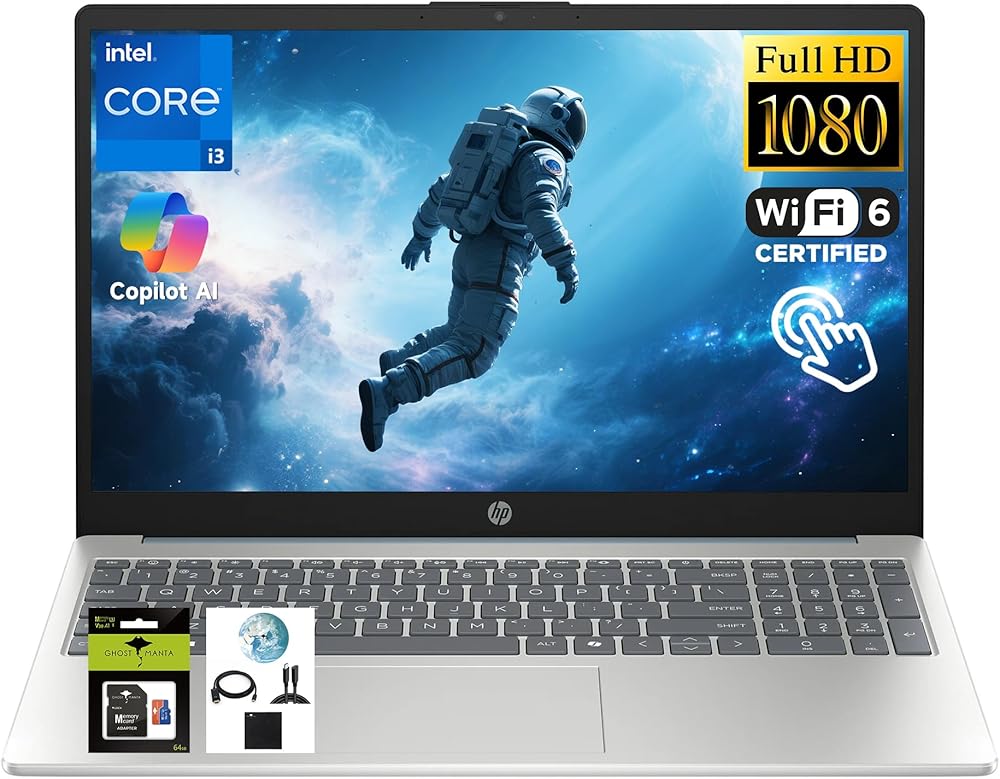
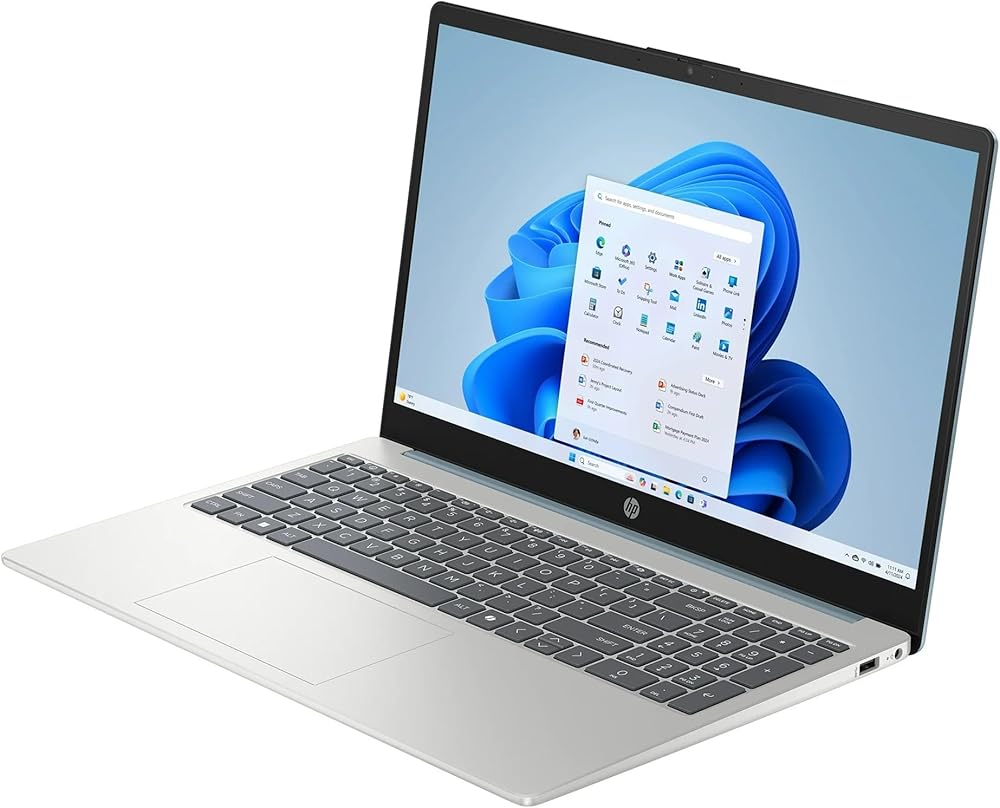
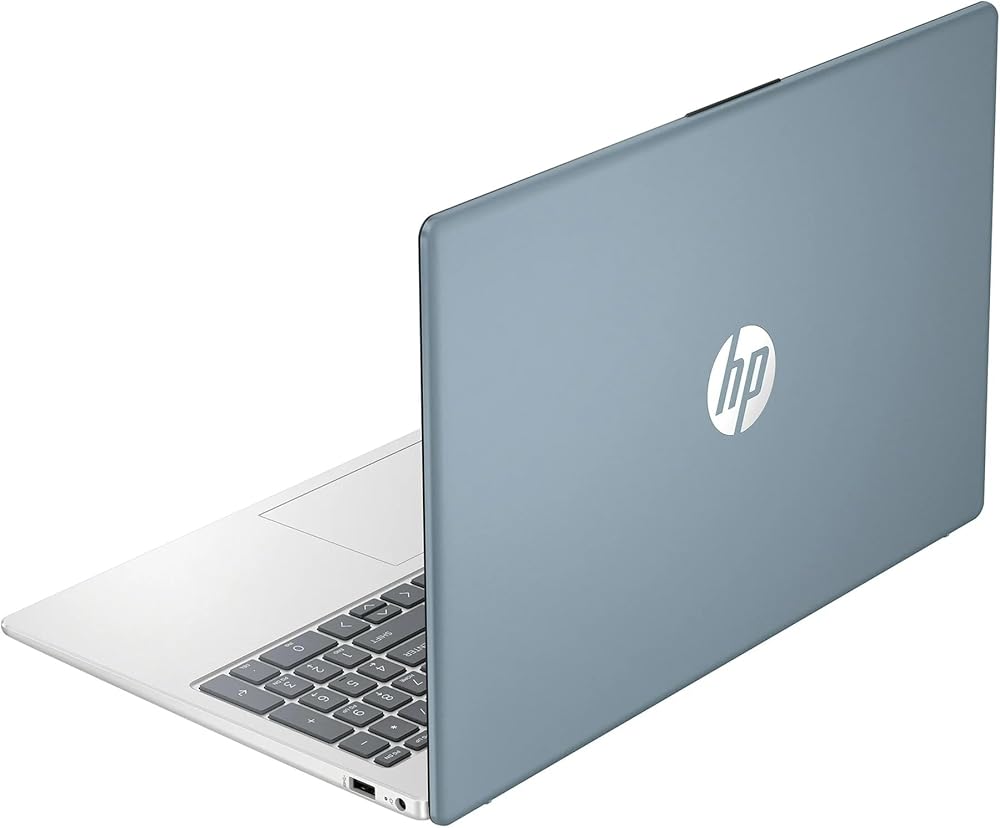
We sells laptop-computer with upgraded configurations. If the computer has modifications (listed above), then the manufacturer box is opened for it to be tested and inspected and to install the upgrades to achieve the specifications as advertised. If no modifications are listed, the item is unopened and untested. Defects & blemishes are significantly reduced by our in depth inspection & testing.
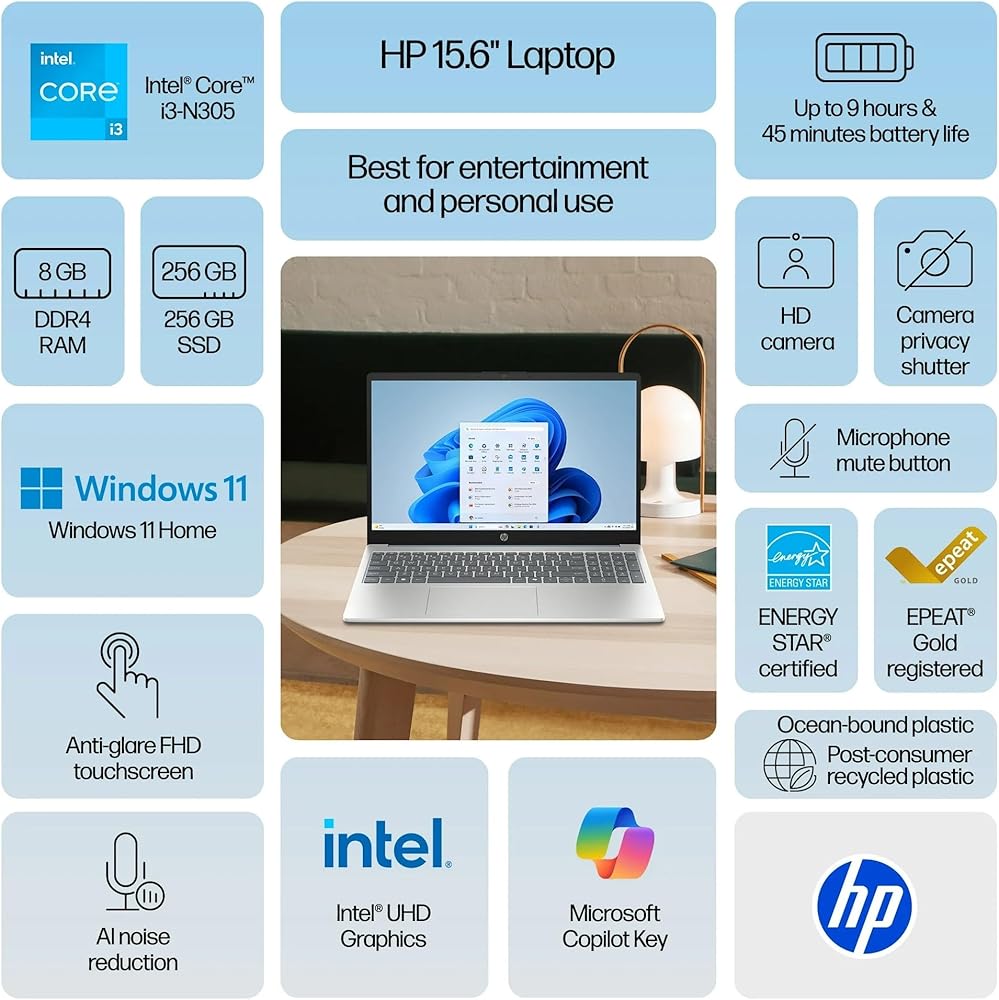
Microprocessor: Intel Processor Core i3-N305 (8 Cores, up to 3.8 GHz)
Memory: Upgraded to 8GB DDR4 RAM
Solid state drive capacity: Upgraded to 256GB SSD
Video graphics: Intel UHD Graphics
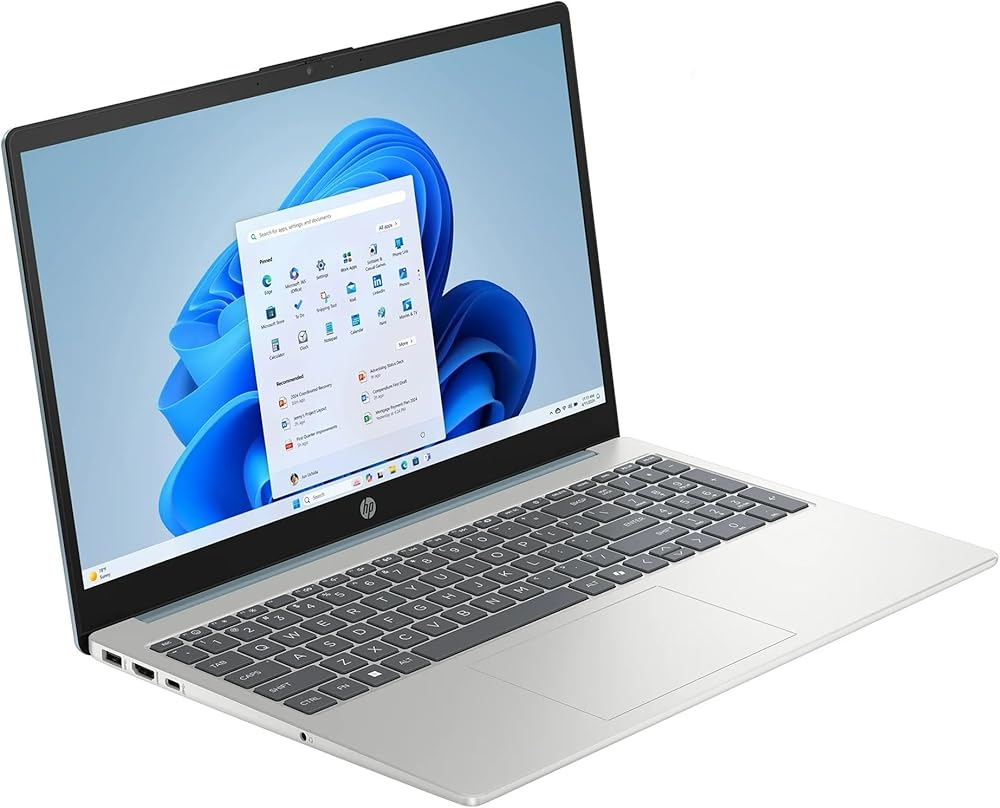
Display: 15.6" Touch Screen FHD anti-glare display (1920×1080), micro-edge
Wireless connectivity: Wi-Fi 6 and Bluetooth combo
External ports: USB Type-A, USB Type-C, HDMI
Minimum dimensions (W x D x H): 9.29 x 14.17 x 0.73 in
Weight: 3.52 LB
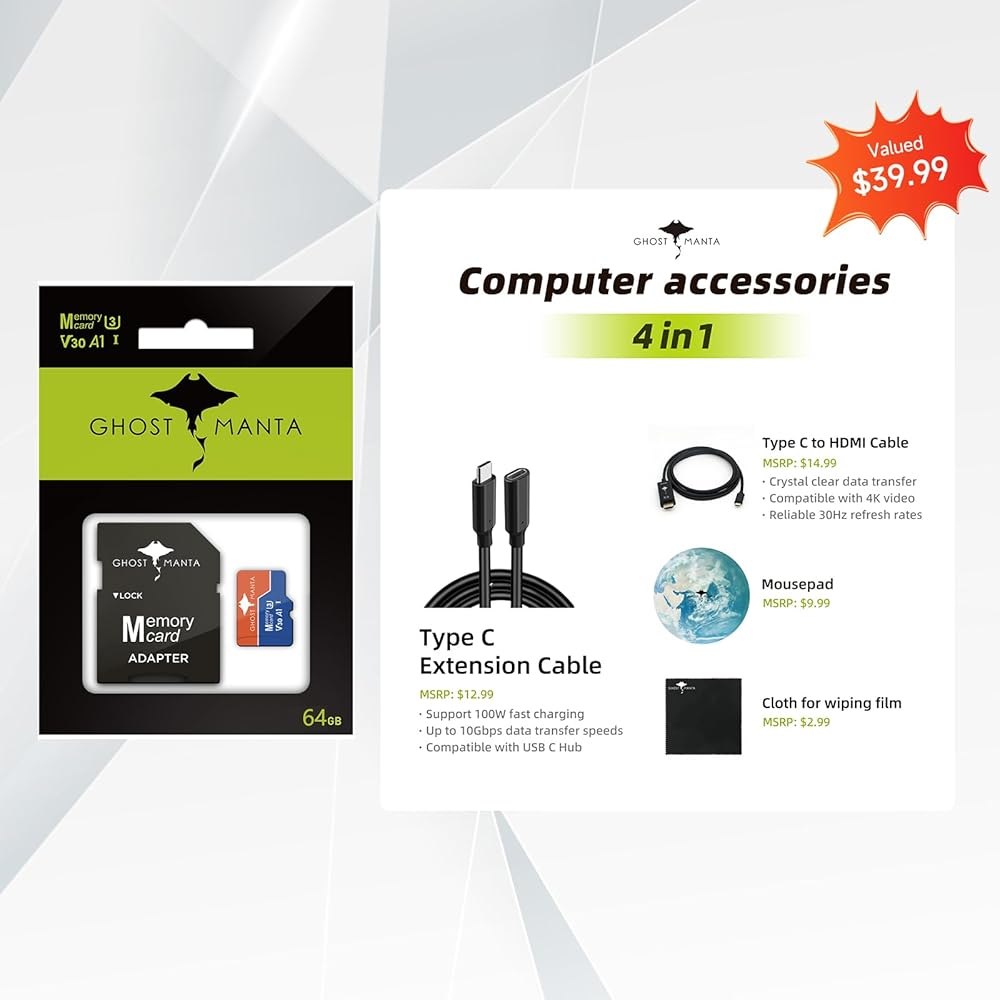
Accessories included: 4in1 accessory and a 64GB SD card
Battery life mixed usage: Up to 9 hours and 45 minutes battery life
Webcam: HP Wide Vision 720p HD private camera and AI noise reduction microphones
Operating system: Windows 11 Home
How to switch S mode to windows 11
On your PC running Windows 11 in S mode, open Settings > Update & Security > Activation.
In the Switch to Windows 11 Home or Switch to Windows 11 Pro section, select Go to the Store. (If you also see an "Upgrade your edition of Windows" section, be careful not to click the "Go to the Store" link that appears there.)
On the Switch out of S mode (or similar) page that appears in the Microsoft Store, select the Get button. After you see a confirmation message on the page, you'll be able to install apps from outside of the Microsoft Store.
 كمبيوتر محمول HP OmniBook X 2 في 1 فليب (الجيل التالي Envy x360)، شاشة لمس 16 بوصة 2K AMD Ryzen AI 5 340 (> Intel i7-1355U)، 16 جيجابايت DDR5 1 تيرابايت SSD، Win 11 PRO، AI Copilot+ PC + ملحقات BWE
KWD 273.500
كمبيوتر محمول HP OmniBook X 2 في 1 فليب (الجيل التالي Envy x360)، شاشة لمس 16 بوصة 2K AMD Ryzen AI 5 340 (> Intel i7-1355U)، 16 جيجابايت DDR5 1 تيرابايت SSD، Win 11 PRO، AI Copilot+ PC + ملحقات BWE
KWD 273.500
 كمبيوتر HP EliteBook x360 1040 G11 مقاس 14 بوصة متعدد اللمس 2 في 1 - شاشة WUXGA 800 nits مقاس 14 بوصة - Intel Core Ultra 7 155U 16-Core - 32 جيجابايت - 512 جيجابايت SSD - Win11 Pro
KWD 679.500
كمبيوتر HP EliteBook x360 1040 G11 مقاس 14 بوصة متعدد اللمس 2 في 1 - شاشة WUXGA 800 nits مقاس 14 بوصة - Intel Core Ultra 7 155U 16-Core - 32 جيجابايت - 512 جيجابايت SSD - Win11 Pro
KWD 679.500
 كمبيوتر محمول HP Envy x360 2 في 1 للمبدع والمصور والمصمم (14 بوصة FHD + شاشة لمس، AMD Ryzen 5 8640HS، ذاكرة الوصول العشوائي LPDDR5 سعة 16 جيجابايت، 1 تيرابايت SSD، قلم IST) كمبيوتر AI، إضاءة خلفية، Wi-Fi 6E، Win 11 Pro مع مساعد الذكاء الاصطناعي
KWD 243.500
كمبيوتر محمول HP Envy x360 2 في 1 للمبدع والمصور والمصمم (14 بوصة FHD + شاشة لمس، AMD Ryzen 5 8640HS، ذاكرة الوصول العشوائي LPDDR5 سعة 16 جيجابايت، 1 تيرابايت SSD، قلم IST) كمبيوتر AI، إضاءة خلفية، Wi-Fi 6E، Win 11 Pro مع مساعد الذكاء الاصطناعي
KWD 243.500
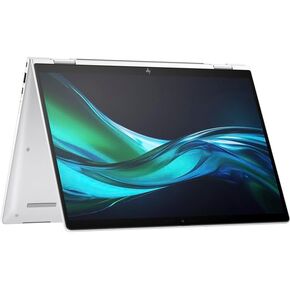 كمبيوتر HP EliteBook x360 1040 G11 مقاس 14 بوصة متعدد اللمس 2 في 1 - شاشة WUXGA 14 بوصة 800 شمعة في المتر المربع - Intel Core Ultra 7 155U 16-Core - 32 جيجابايت - 1 تيرابايت SSD - Win11 Pro
KWD 784
كمبيوتر HP EliteBook x360 1040 G11 مقاس 14 بوصة متعدد اللمس 2 في 1 - شاشة WUXGA 14 بوصة 800 شمعة في المتر المربع - Intel Core Ultra 7 155U 16-Core - 32 جيجابايت - 1 تيرابايت SSD - Win11 Pro
KWD 784