- التسوق ، اصبح سهلا.
- /
- احصل على التطبيق!
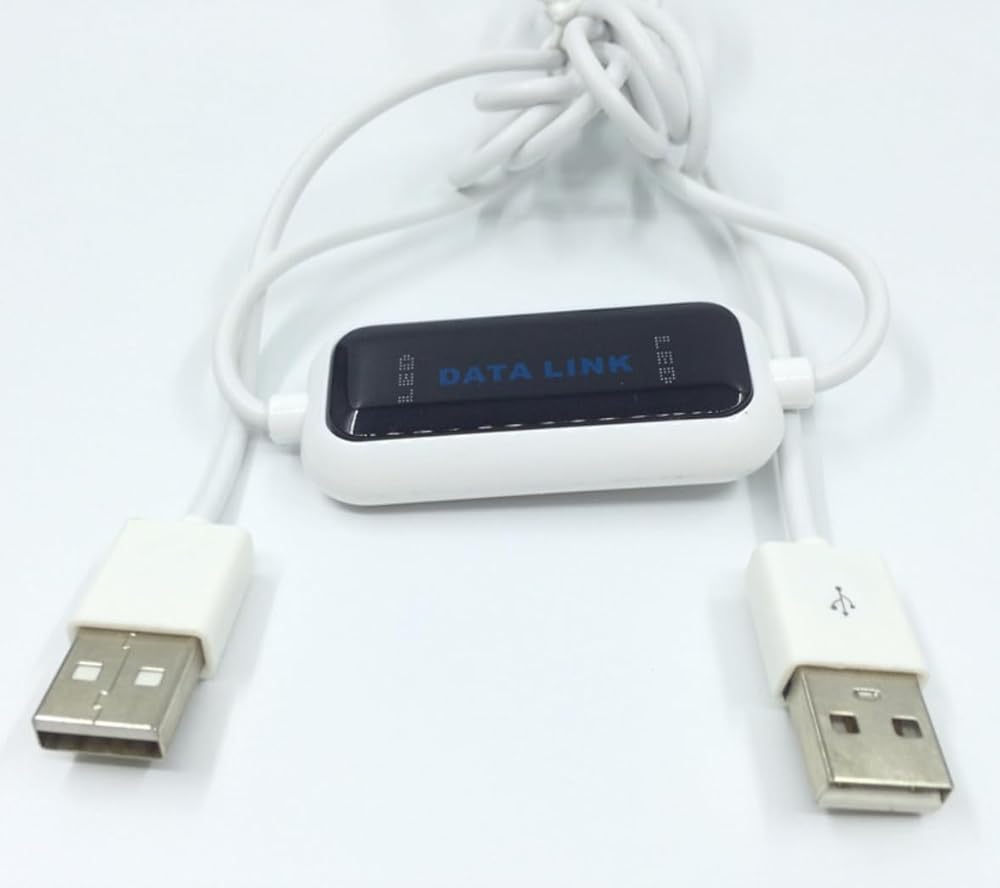
Whether you're a gaming enthusiast, professional office worker, or average household user, the need for file sharing between two Windows computers often arises. Repeatedly plugging and
unplugging USB drives can damage ports, cloud storage is limited by internet speed and capacity, and setting up local area networks (LANs) can be complex. The ELFJMZP USB File Transfer
Cable is specifically designed to address these pain points, offering the core advantages of being driver-free, convenient, stable, and high-speed, making it your ideal data transfer
companion in various scenarios.
Core Scenario 1: Sharing Game Saves and Configurations Between Two Gaming PCs
Do you have two gaming PCs at home? Instead of re-downloading hundreds of GBs of AAA games, simply connect the two devices with this transfer cable to quickly share game save data and
configuration settings. Unlike network transfers, it is not affected by fluctuations in internet speed, ensuring a stable and uninterrupted transfer process. This avoids the need for
repeated operations due to download failures or file corruption, saving you valuable waiting time and allowing you to seamlessly continue your exciting gaming progress on the other PC.
Whether you want to share game resources with family or easily migrate your entire game library when upgrading devices, this cable makes it all possible.
Core Scenario 2: Daily Data Synchronization Between Home Desktops and Laptops
In daily use, desktops are typically suitable for heavy office work and storing large amounts of data, while laptops are popular for their portability. With this transfer cable, you can
easily sync work documents and design files from your desktop to your laptop, ensuring you can continue working while on the go. When you return home, you can back up photos and videos
taken on your laptop to your desktop, achieving bidirectional data flow and secure storage. The entire process does not rely on the internet and enables plug-and-play operation, making
it especially useful when your internet connection is unstable or you are concerned about privacy leaks with cloud storage.
Core Scenario 3: Batch Backups and Sharing of Files Across Multiple Devices
When multiple Windows computers at home need to share data, this transfer cable can also play a significant role. For example, you can easily transfer your child's study materials from
the parent's computer to the child's learning device, or quickly share family photo albums and holiday video highlights between different devices. It supports batch selection of folders
for transfer, featuring an intuitive and efficient operation that maximizes file structure integrity and ensures data security without loss.
It adopts a focused design philosophy, omitting redundant features such as keyboard and mouse sharing, thereby fully dedicated to ensuring the stability and speed of file transfers.
The 1.5m length perfectly fits most home environments, easily covering setups from dual PCs on a gaming desk to interconnected devices between a study and a living room. The driver-free
design simplifies operation to an unprecedented level—simply plug both ends into the USB ports of two computers, and the system will automatically recognize and launch the built-in
file management application. If it does not start automatically, you can also easily find and launch it in the last drive letter of the file explorer.
Crafted from high-quality materials, the cable features durable and wear-resistant connectors that can withstand repeated plugging and unplugging, providing you with long-term, stable
, and reliable service to meet your data transfer needs across various devices. Whether it's for gaming entertainment, daily office work, or family data sharing, the ELFJMZP USB File
Transfer Cable is your reliable assistant for Windows devices, making file sharing efficient and hassle-free.
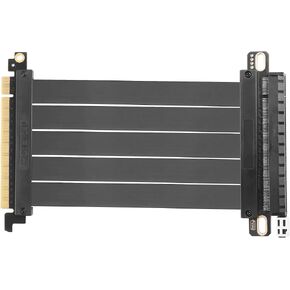 PCIe 3.0 x16 كابل التوسع ، PCI-E 16x محول Hi Extreme Hi-Speed Card 180 درجة موصل ل GPU ، WiFi ، USB ، بطاقات الصوت ، إلخ-20 سم/7.87 في
KWD 9.500
PCIe 3.0 x16 كابل التوسع ، PCI-E 16x محول Hi Extreme Hi-Speed Card 180 درجة موصل ل GPU ، WiFi ، USB ، بطاقات الصوت ، إلخ-20 سم/7.87 في
KWD 9.500
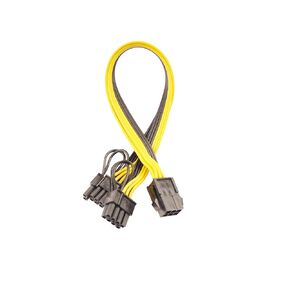 6 دبوس أنثى إلى 8 دبوس (6+2) ذكر PCIe GPU محول الطاقة كابل PCI Express محول كابل الأسلاك الخادم ، خط إمداد بطاقة التعدين
KWD 4
6 دبوس أنثى إلى 8 دبوس (6+2) ذكر PCIe GPU محول الطاقة كابل PCI Express محول كابل الأسلاك الخادم ، خط إمداد بطاقة التعدين
KWD 4
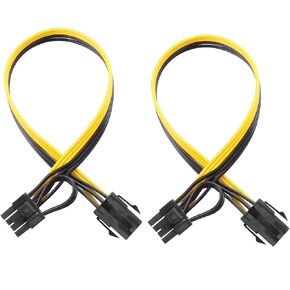 6 دبوس أنثى إلى 8 دبوس (6+2) ذكر كابل محول PCIE Propu Express PCI Express GPU ، كبل مناسب للكمبيوتر (حزمة 2)
KWD 4
6 دبوس أنثى إلى 8 دبوس (6+2) ذكر كابل محول PCIE Propu Express PCI Express GPU ، كبل مناسب للكمبيوتر (حزمة 2)
KWD 4
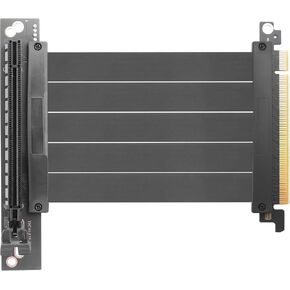 PCIe 3.0 x16 كابل التوسع ، PCI-E 16x محول HI-SPEED المحول ، CARD 90 درجة موصل ل GPU ، WIFI ، USB ، بطاقات الصوت ، إلخ-24 سم/9.5 بوصة.
KWD 9.500
PCIe 3.0 x16 كابل التوسع ، PCI-E 16x محول HI-SPEED المحول ، CARD 90 درجة موصل ل GPU ، WIFI ، USB ، بطاقات الصوت ، إلخ-24 سم/9.5 بوصة.
KWD 9.500

 الكويت