- التسوق ، اصبح سهلا.
- /
- احصل على التطبيق!
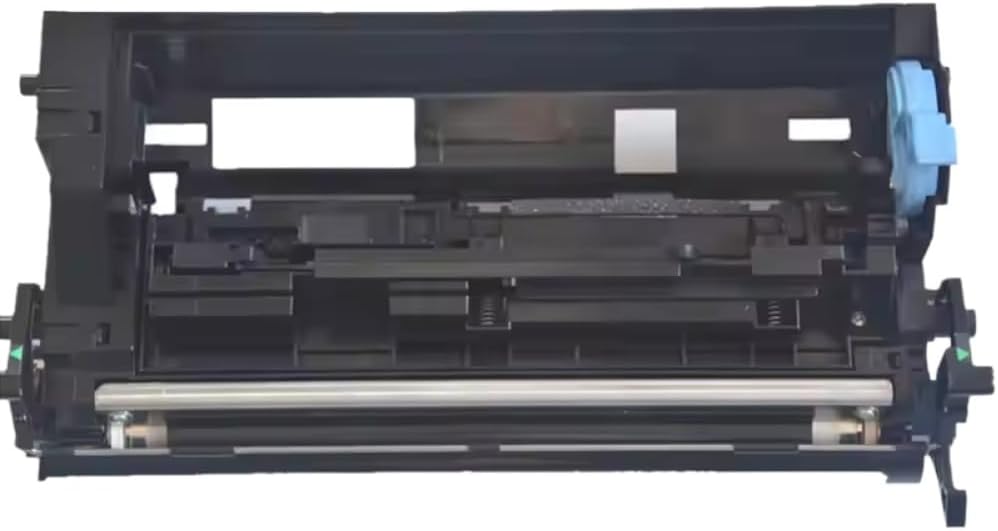
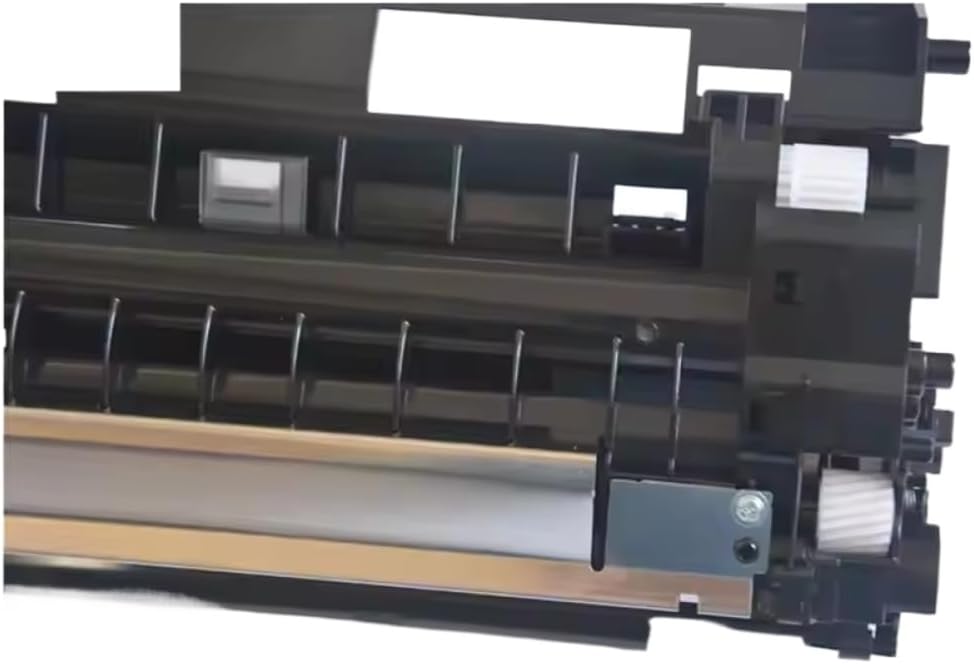
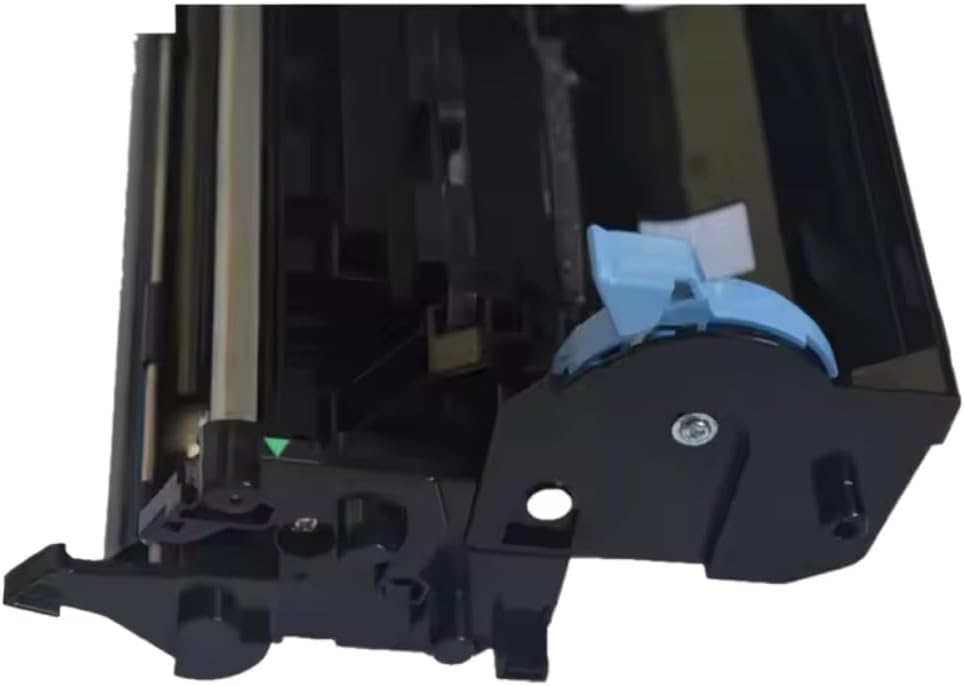
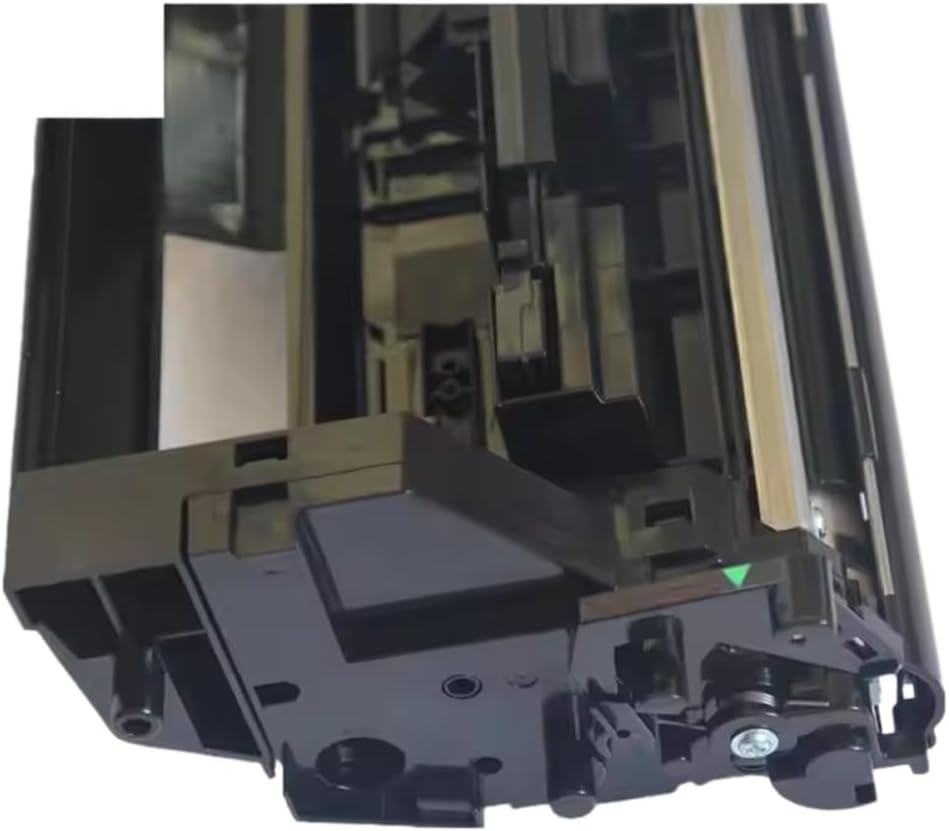
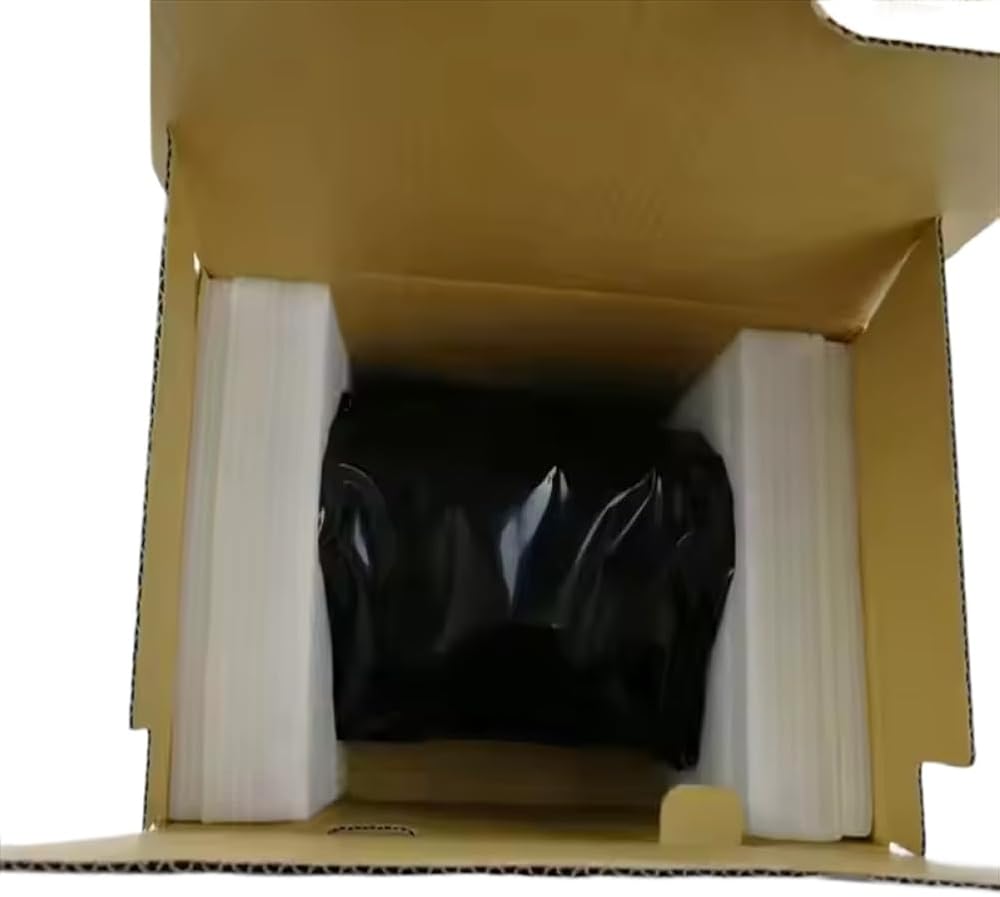
Developer Unit Compatible with M2035/M2535/M2035dn/M2535dn FS-1035MFP/FS-1135MFP Developer Assy
The developer unit is a critical component in the imaging system of printers.It works alongside the toner cartridge and photoreceptor drum to toner is properly transferred onto the paper.This unit is designed specifically Compatible with use with the M2035, M2535, M2035dn, M2535dn, FS-1035MFP, and FS-1135MFP models, serving as a direct Compatible with the developer assembly.In printing, the developer unit plays a central role in distributing toner evenly across the drum.Over time, repeated use can degrade its , leading to issues such as faded output, streaks, lines, or inconsistent print density.Replacing the developer unit helps restore consistent print results and supports printer.This developer unit is built to match the specifications of the.It installs directly into the designated compartment within the printer and integrates with the existing components without requiring modifications.The design allows Compatible with straightforward installation, enabling users to complete the without tools or technical support.Key characteristics include construction Compatible with extended use, precise toner metering to support clear image reproduction, and compatibility with the specified -.By maintaining proper toner application, it contributes to improved print clarity and reduced occurrence of common print defects.Indicators that a developer unit may need include declining print darkness, visible streaks or bands on printed pages, recurring print quality errors, or messages from the printer indicating end-of-life Compatible with the unit. at the appropriate time supports continued and helps avoid disruptions in printing tasks.To install, power off and unplug the printer, open the front cover, remove the existing developer unit following the device manual, insert the unit securely into place, close the cover, and resume power.A test print can verify correct installation and function.Using a compatible developer unit helps sustain print consistency, supports the longevity of internal components, and provides a practical solution Compatible with maintaining printer functionality under regular usage conditions.Compatibility list:
M2035
M2535
M2035dn
M2535dn
FS-1035MFP
FS-1135MFP
interval depends on print volume and environmental conditions.As a general reference, may be considered after 100, 000 to 150, 000 pages, depending on usage patterns.Important: This is an independent aftermarket part.Brand/model references serve only to show compatibility.
 وحدة المطورين DV-512 متوافقة مع وحدة المطورين Konica minolta A2XN03D A2XN0KD A2XN0ED A2XN08D من أجل Konica Minolta Bizhub C224 C224E C284E C364 C364E C
KWD 171
وحدة المطورين DV-512 متوافقة مع وحدة المطورين Konica minolta A2XN03D A2XN0KD A2XN0ED A2XN08D من أجل Konica Minolta Bizhub C224 C224E C284E C364 C364E C
KWD 171
 وحدة المطورين DV-311 متوافقة مع وحدة المطورين Konica Minolta A0XV03D A0XV0KD A0XV0ED A0XV08D.
KWD 62
وحدة المطورين DV-311 متوافقة مع وحدة المطورين Konica Minolta A0XV03D A0XV0KD A0XV0ED A0XV08D.
KWD 62
 12-24V DC محول شاحن سيارة للحمار ZQ510 ZQ511 ZQ520 ZQ521 ZQ610 ZQ610 PLUS
KWD 16.500
12-24V DC محول شاحن سيارة للحمار ZQ510 ZQ511 ZQ520 ZQ521 ZQ610 ZQ610 PLUS
KWD 16.500
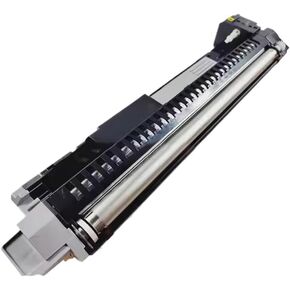 مجموعة المطورين متوافقة مع FS-6025 FS-6030 FS-6525 FS-6530 255 TASKalfa305 DV-475
KWD 78
مجموعة المطورين متوافقة مع FS-6025 FS-6030 FS-6525 FS-6530 255 TASKalfa305 DV-475
KWD 78

 الكويت