- التسوق ، اصبح سهلا.
- /
- احصل على التطبيق!
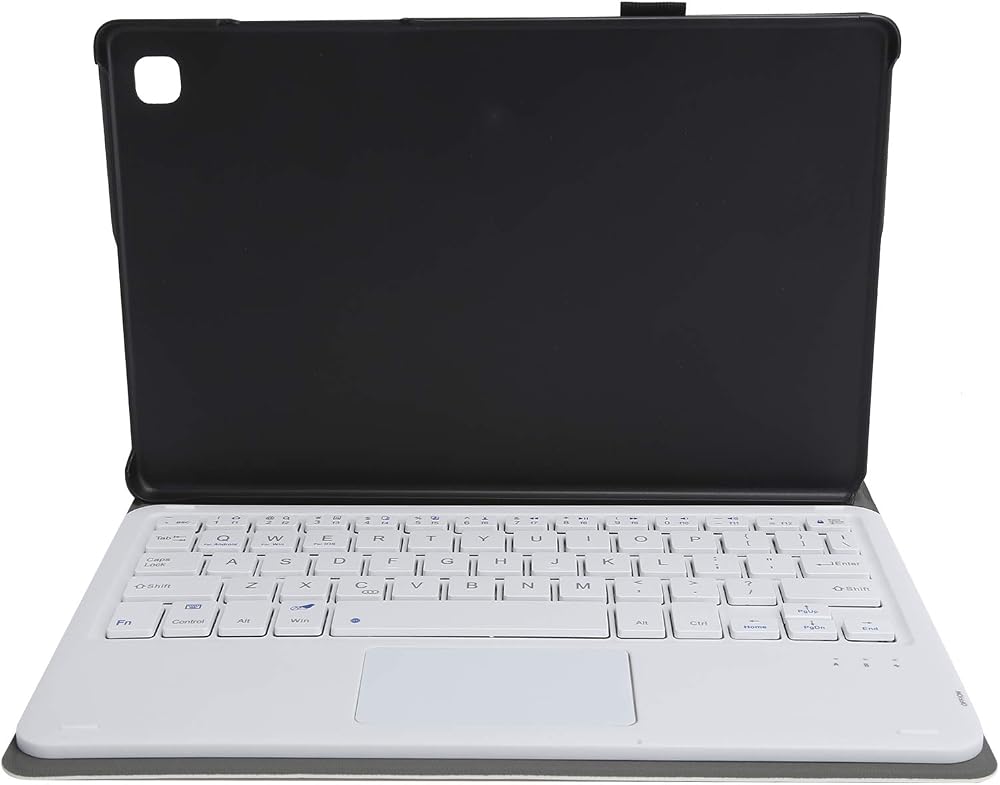
Specification:
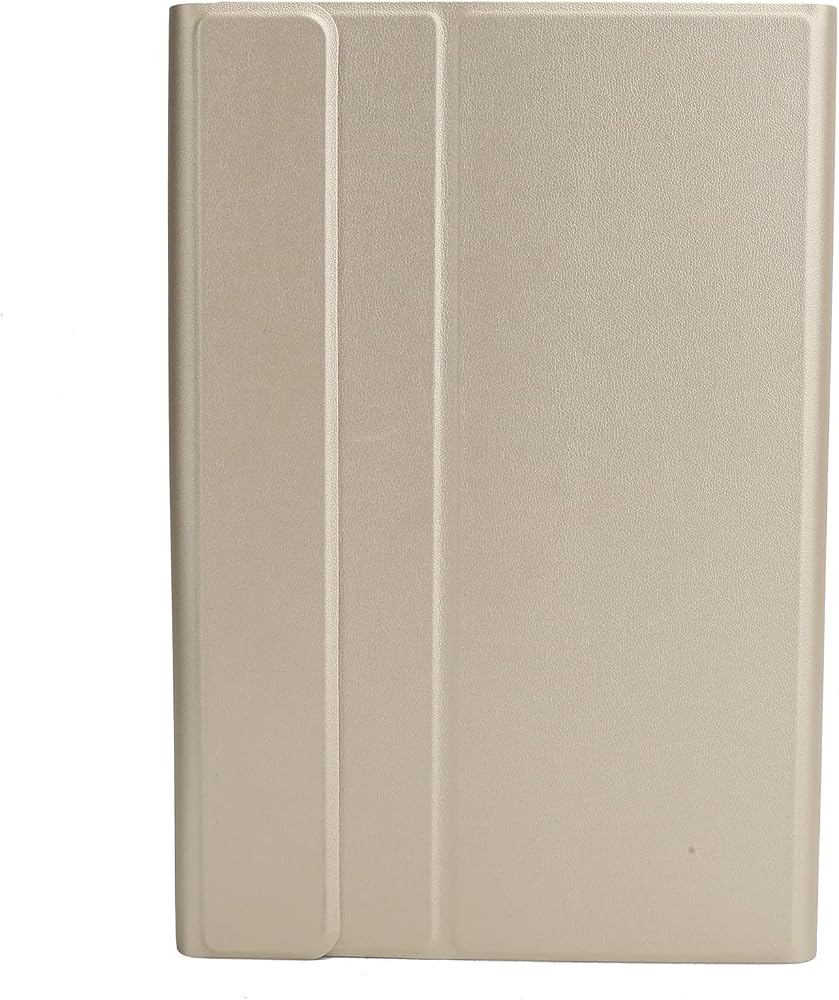
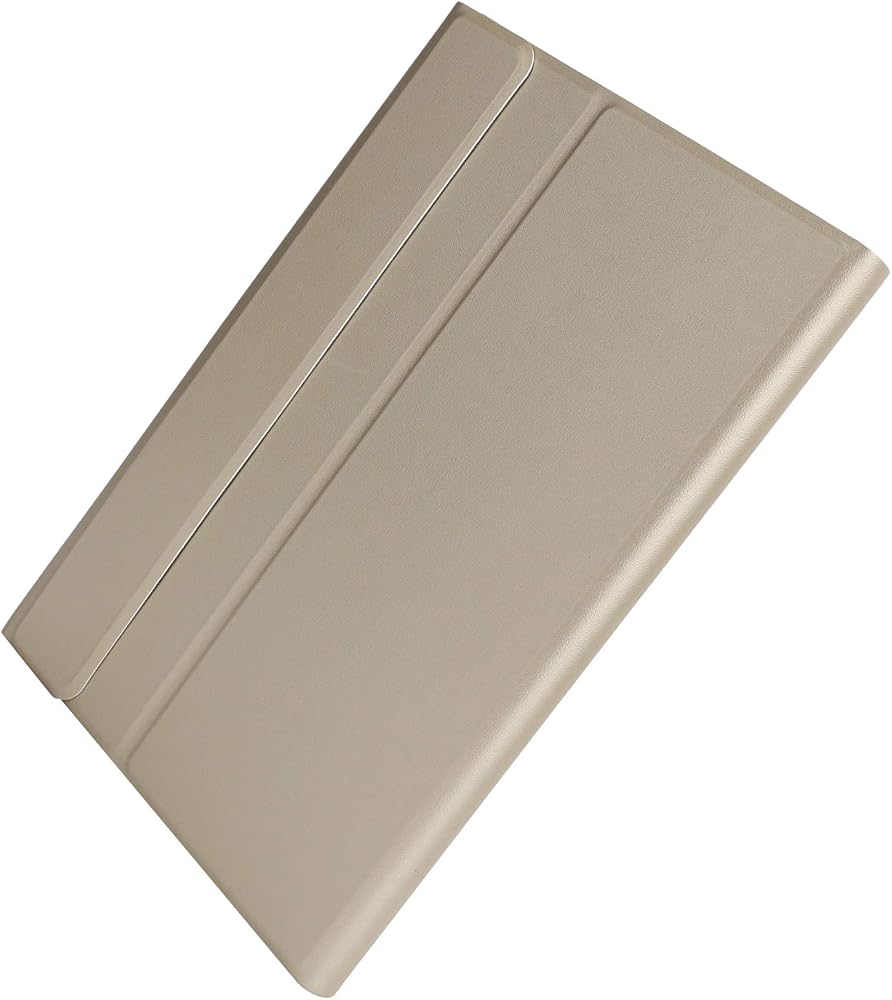
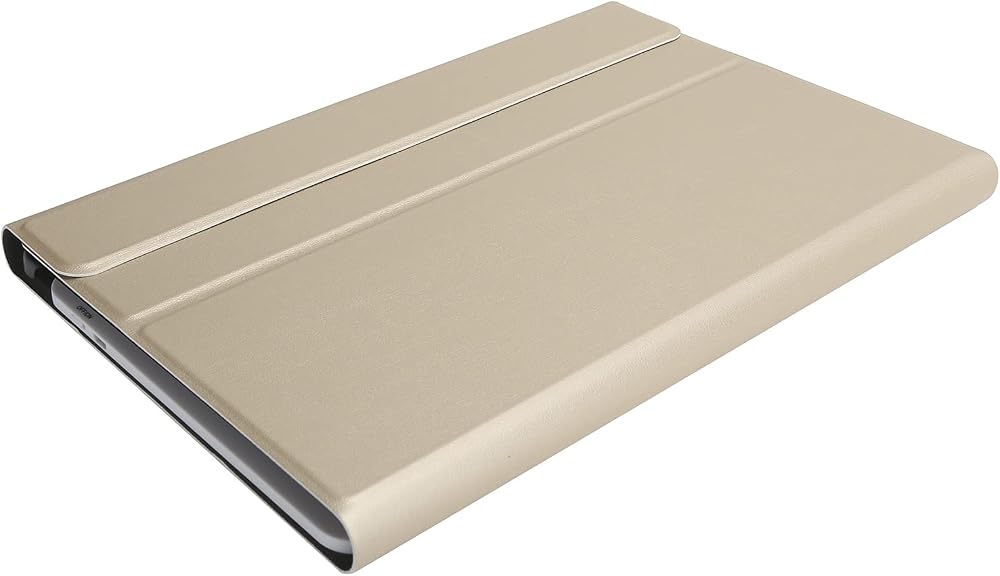
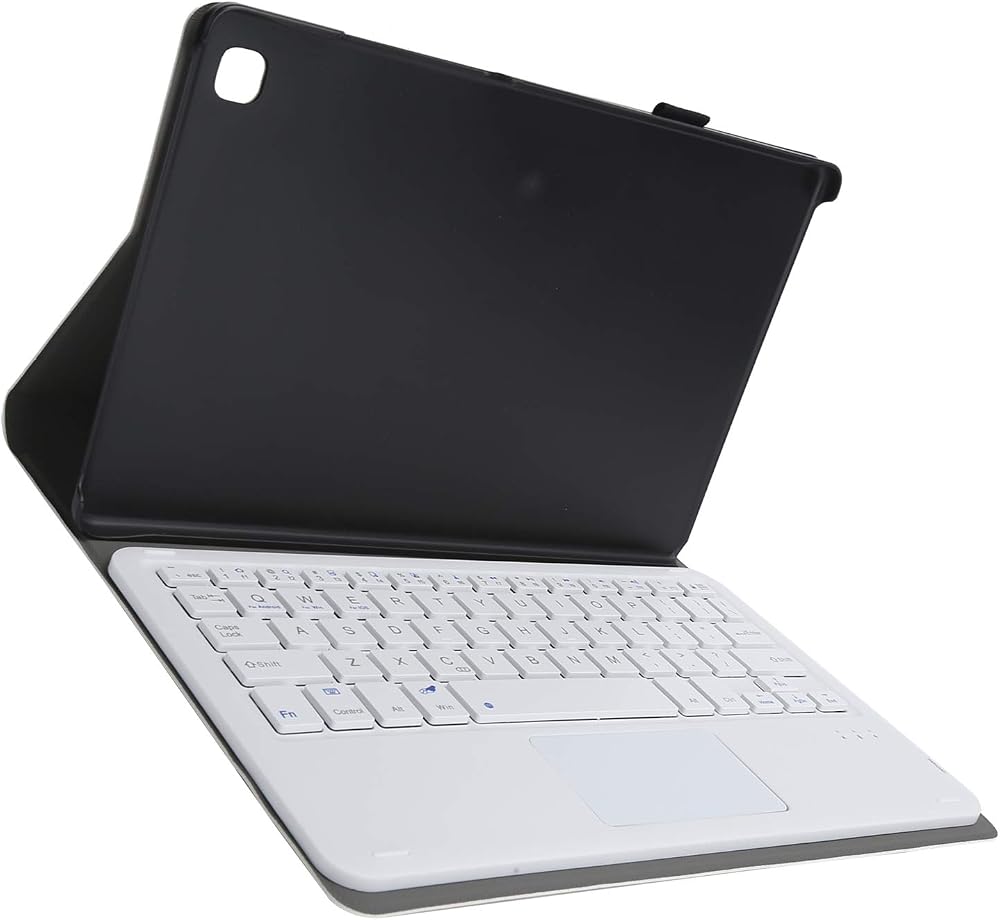
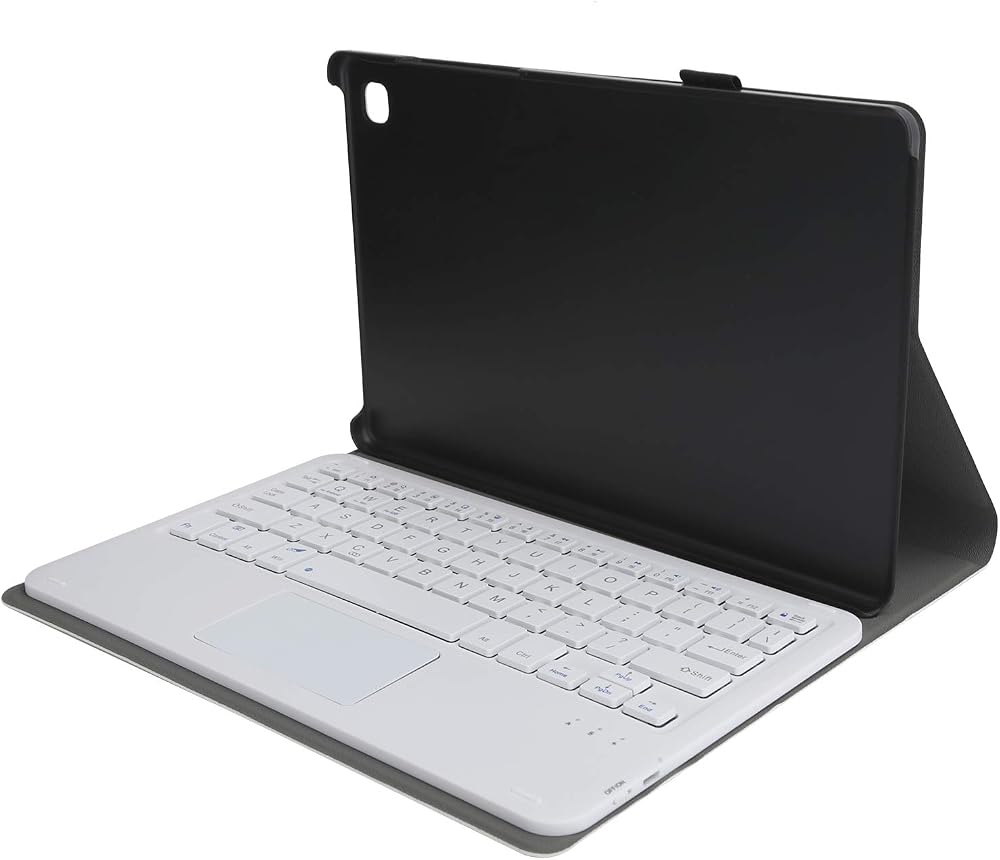
Item Type: Keyboard
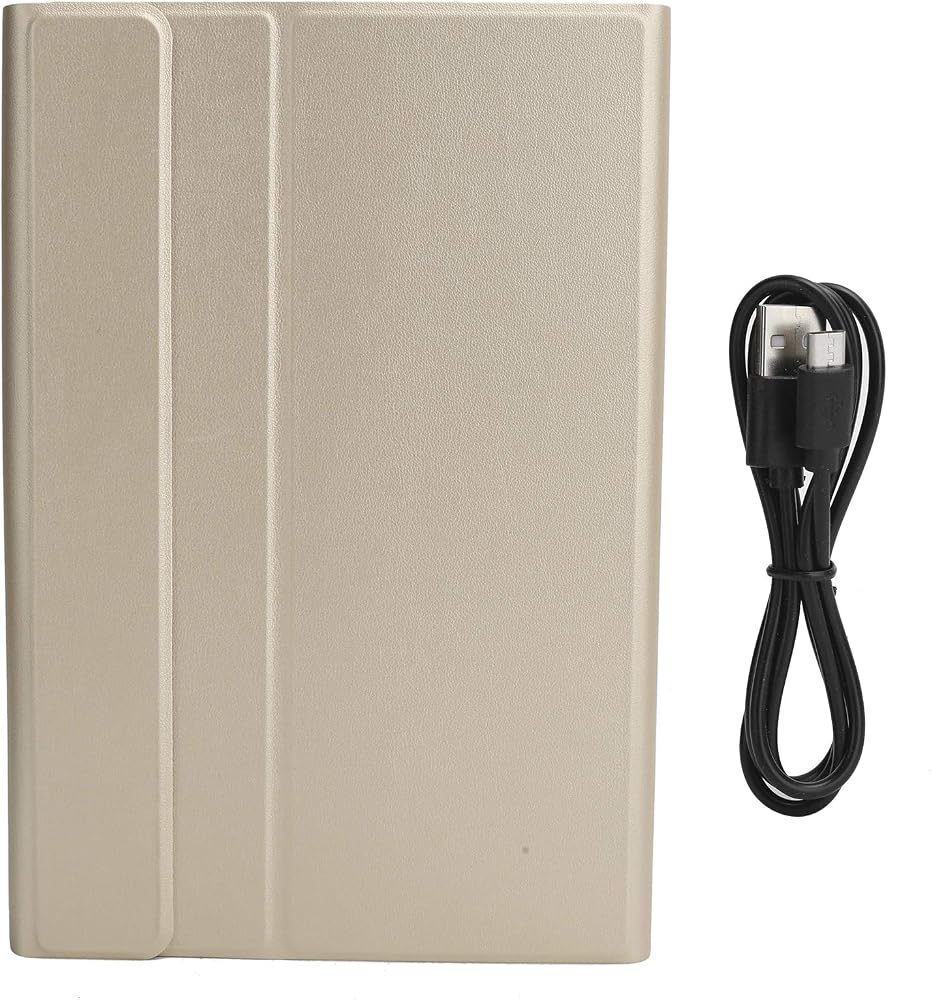
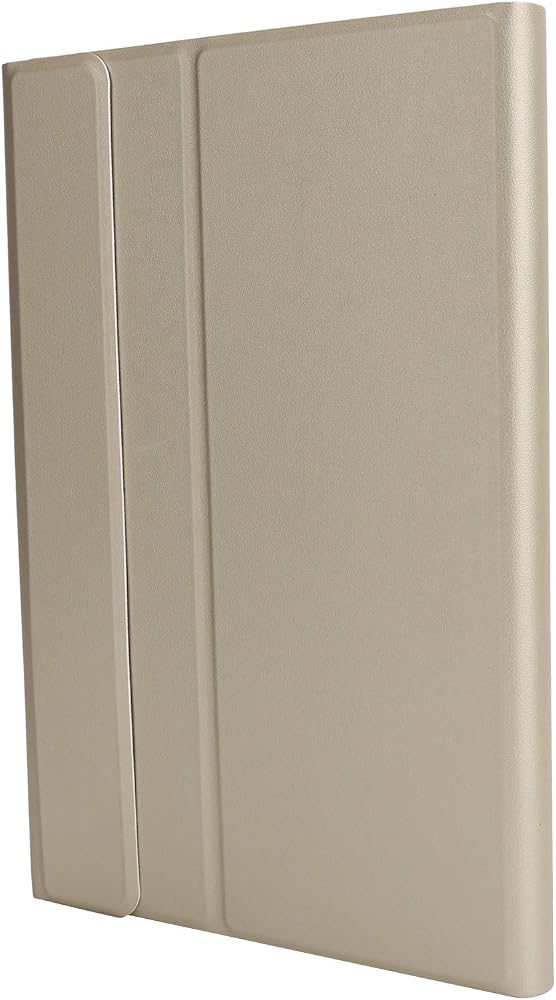
Material: PU Leather + ABS
Touchpad Function: Yes
Applicable Model: For Samsung Tab T500/T505
: 3.0 standard interface
Modulation : GFSK
Working Voltage: 3.0-4.2V
Working Current: Standby Current: Sleep Current: Charging Current: >200mA
Keystroke Force: 80 ± 10g
Function: Fn combined multimedia function
Support Protocol: 3.0/4.0/1.1
Power Supply: USB interface connection
Built-in Battery Capacity: 200mAh ( lithium battery)
Battery Life: 3 years
Working Environment Temperature: -10℃- +55℃
Charging Time: 2.3 hours (8 hours to fully for the first time, full can be used later)
Continuous Working Time: 80 hours
Standby Time: >100 days
Life: 3 million times
Effective Operating Distance: Approx. 10m / 32.8ft
How to use:
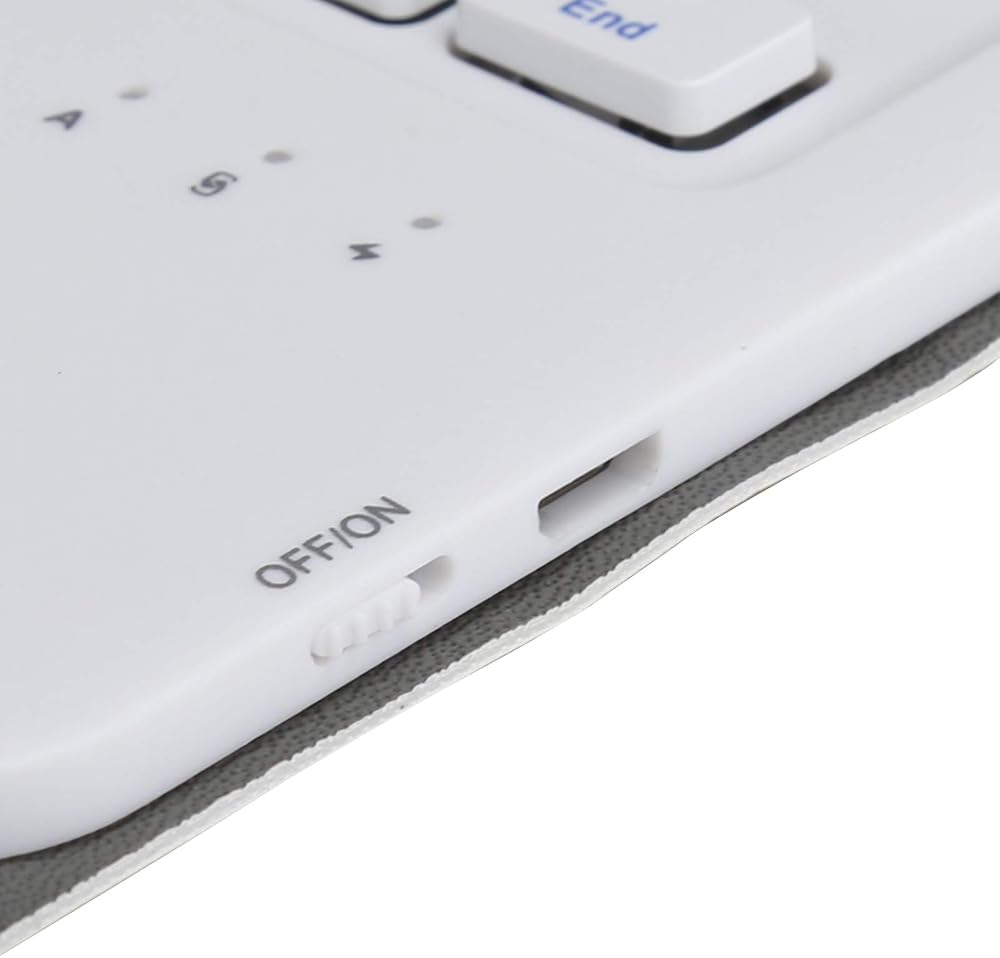
1. Turn on the keyboard holster and push the switch in the upper right corner from 0FF to ON. At this time, the holster keyboard is activated, and the blue light will turn off after 3 seconds.
2. Then click Connect to it. The blue light is on and the light is flashing.
3. Turn on the tablet, find-Settings-Turn on wireless and network-Turn on -Search nearby devices-Search for the keyboard name of the protective ( keyboard) and click Connect (Press FN+Q W E to switch the corresponding system)
Package List:
1 x Keyboard
1 x Keyboard(with Touchpad)
1 x Charging Cable
Note:
1. Please the wireless keyboard for 8 hours the first time you use it. After normal use, the service life can be increased.
2. Do not put electronic equipment in a humid place.
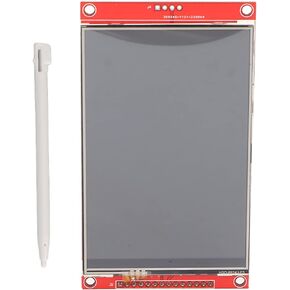 SUNGOOYUE SPI TFT LCD لوحة اللمس، 4 TFT LCD وحدة عرض ILI9488 سائق 14pin 480 x 320 HD SPI وحدة عرض شاشة تعمل باللمس التسلسلي
KWD 10.500
SUNGOOYUE SPI TFT LCD لوحة اللمس، 4 TFT LCD وحدة عرض ILI9488 سائق 14pin 480 x 320 HD SPI وحدة عرض شاشة تعمل باللمس التسلسلي
KWD 10.500
 مجموعة كمان للأطفال 1/8، كمان صغير من خشب القيقب المجعد من أستونفيلا مع ملصق بسلسلة من الصنوبر للأطفال
KWD 66.500
مجموعة كمان للأطفال 1/8، كمان صغير من خشب القيقب المجعد من أستونفيلا مع ملصق بسلسلة من الصنوبر للأطفال
KWD 66.500
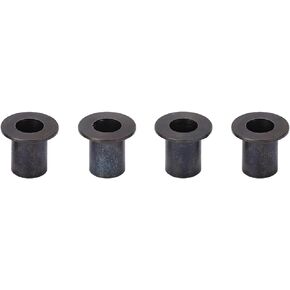 أجزاء أنبوبية ذات حواف للسيارة RC، 4 قطع من أنبوب الحافة الفولاذية يناسب سيارة التحكم عن بعد Arrma 1/10
KWD 3.500
أجزاء أنبوبية ذات حواف للسيارة RC، 4 قطع من أنبوب الحافة الفولاذية يناسب سيارة التحكم عن بعد Arrma 1/10
KWD 3.500
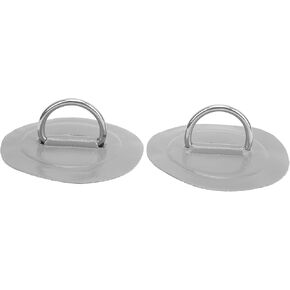 رقعة وسادة حلقة على شكل حرف D من SUNGOOYUE، قطعتان من قارب الكاياك القابل للنفخ على شكل حرف D، إبزيم ثابت من الفولاذ المقاوم للصدأ البحري (رمادي)
KWD 4.500
رقعة وسادة حلقة على شكل حرف D من SUNGOOYUE، قطعتان من قارب الكاياك القابل للنفخ على شكل حرف D، إبزيم ثابت من الفولاذ المقاوم للصدأ البحري (رمادي)
KWD 4.500