- التسوق ، اصبح سهلا.
- /
- احصل على التطبيق!
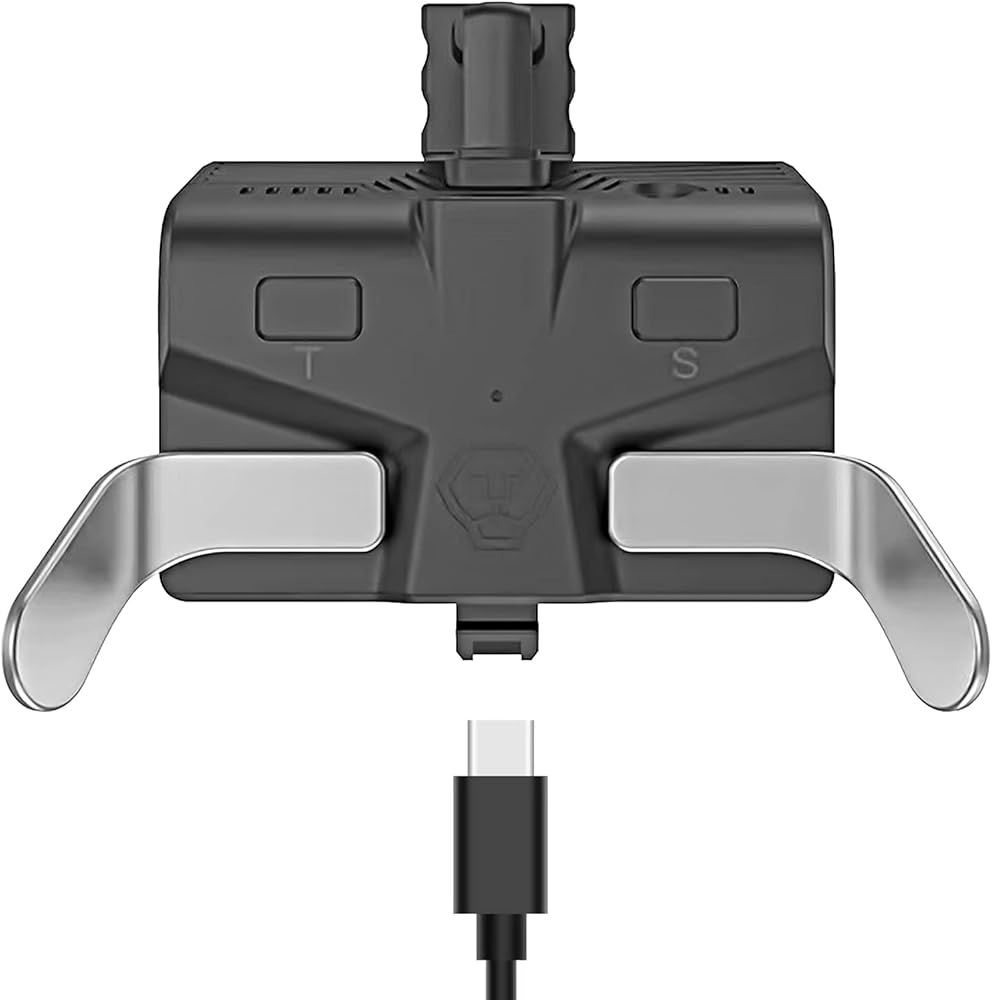
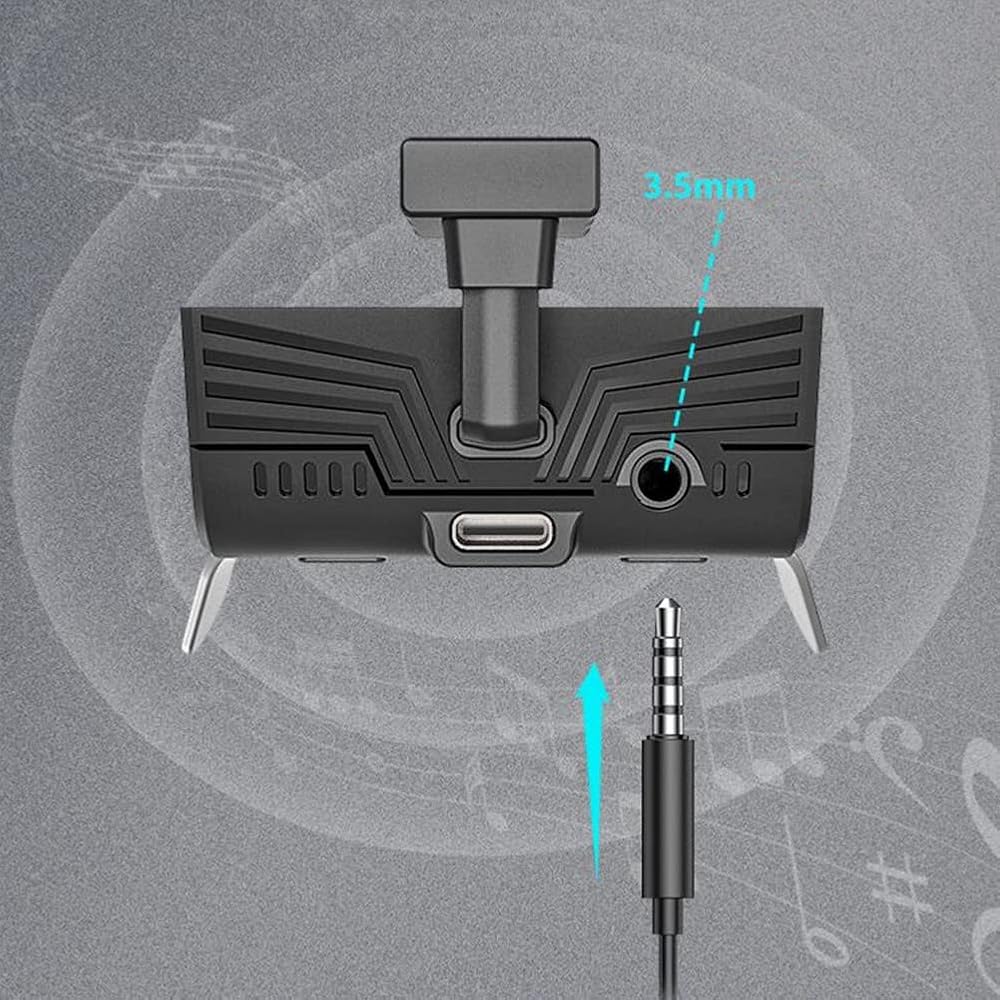
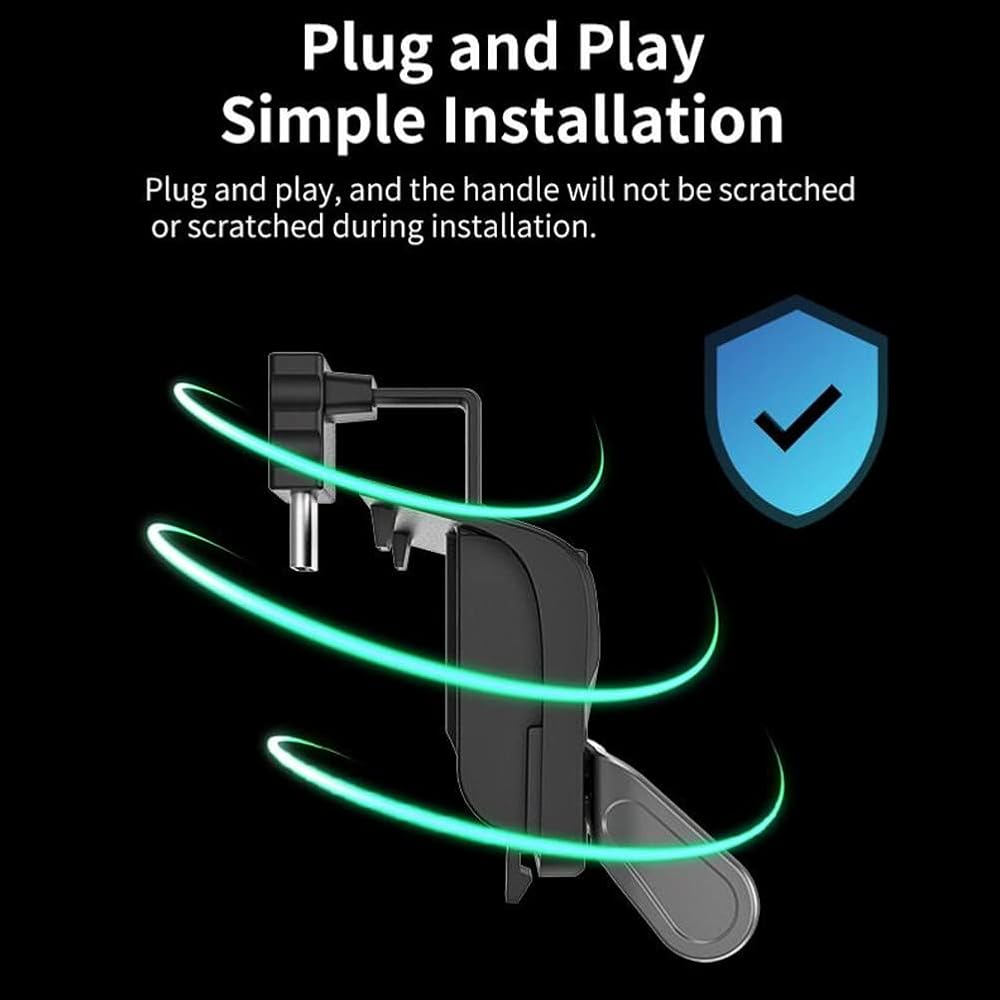
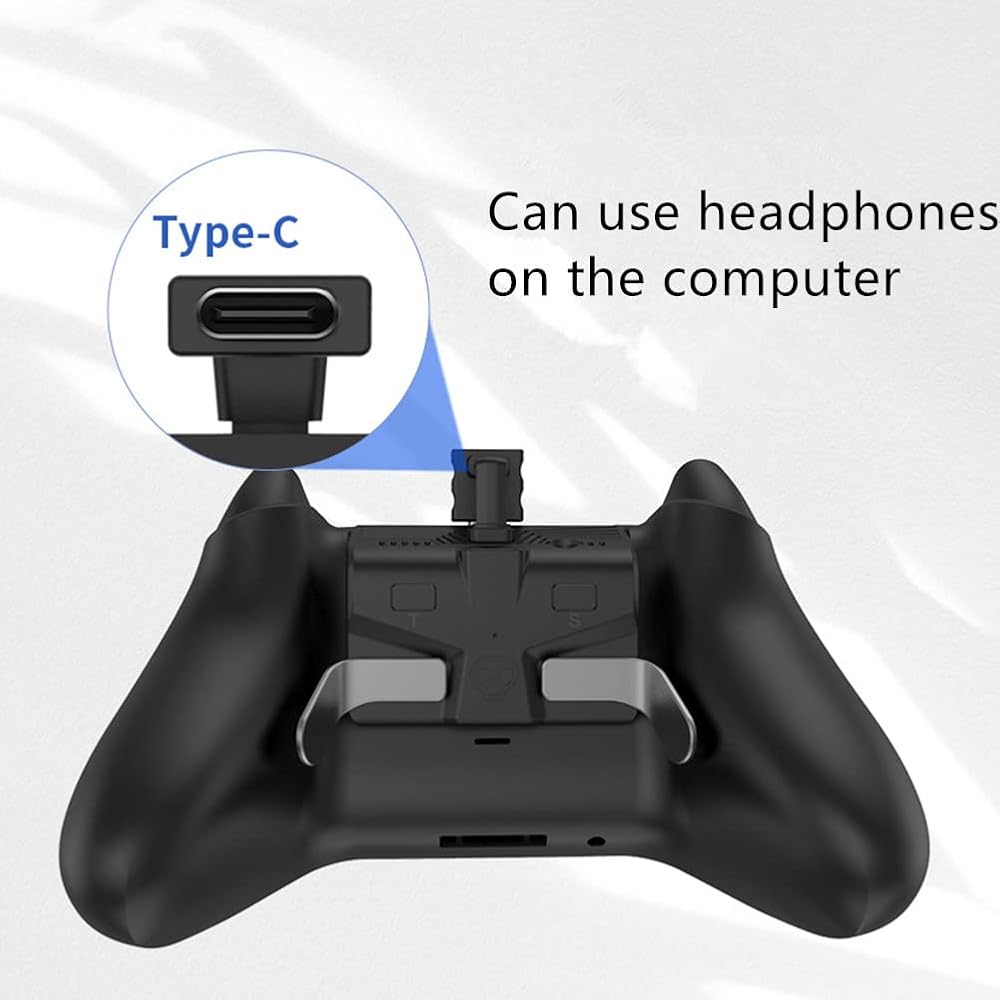
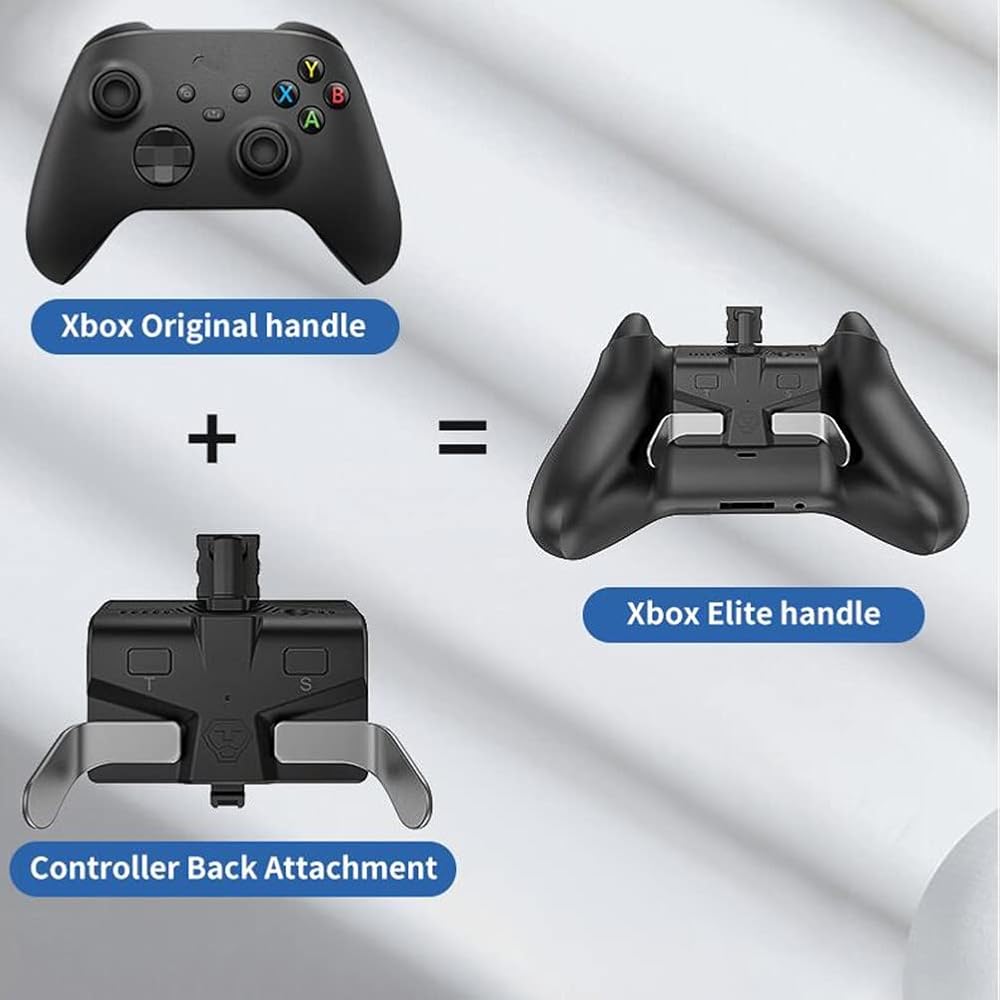
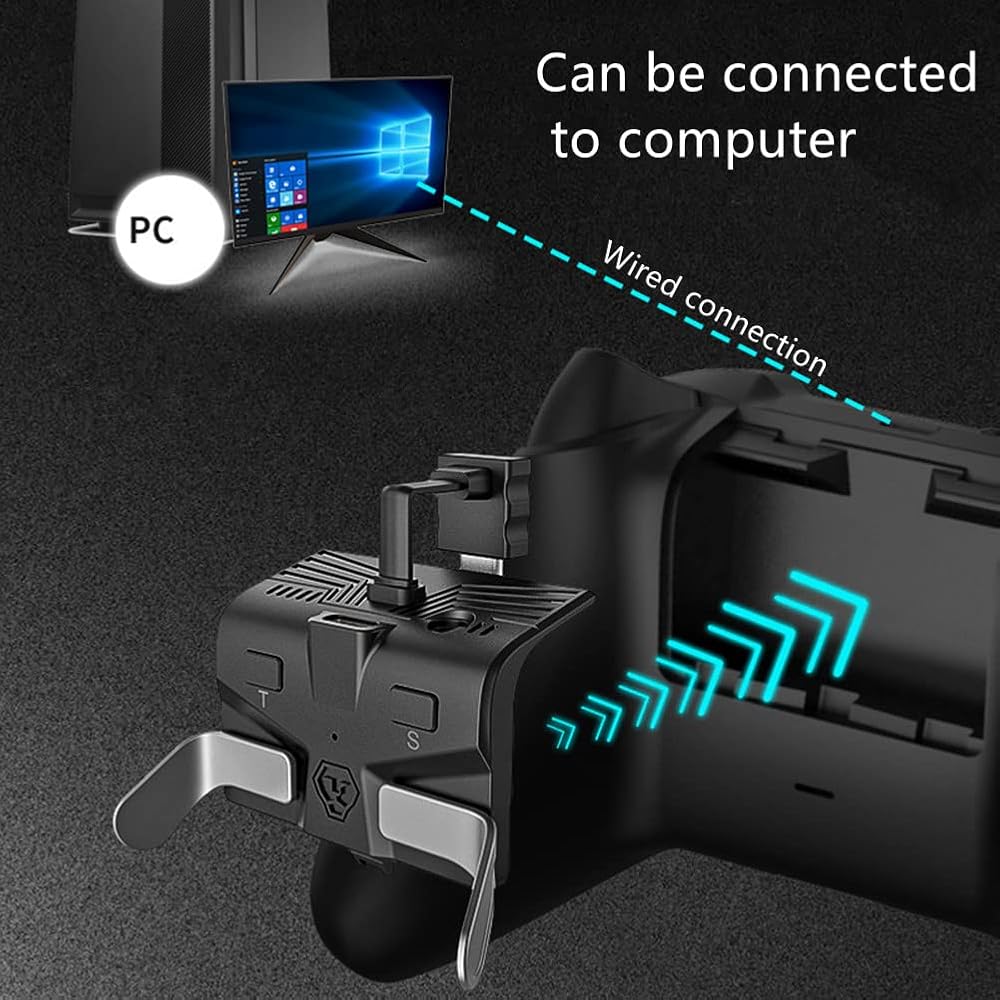
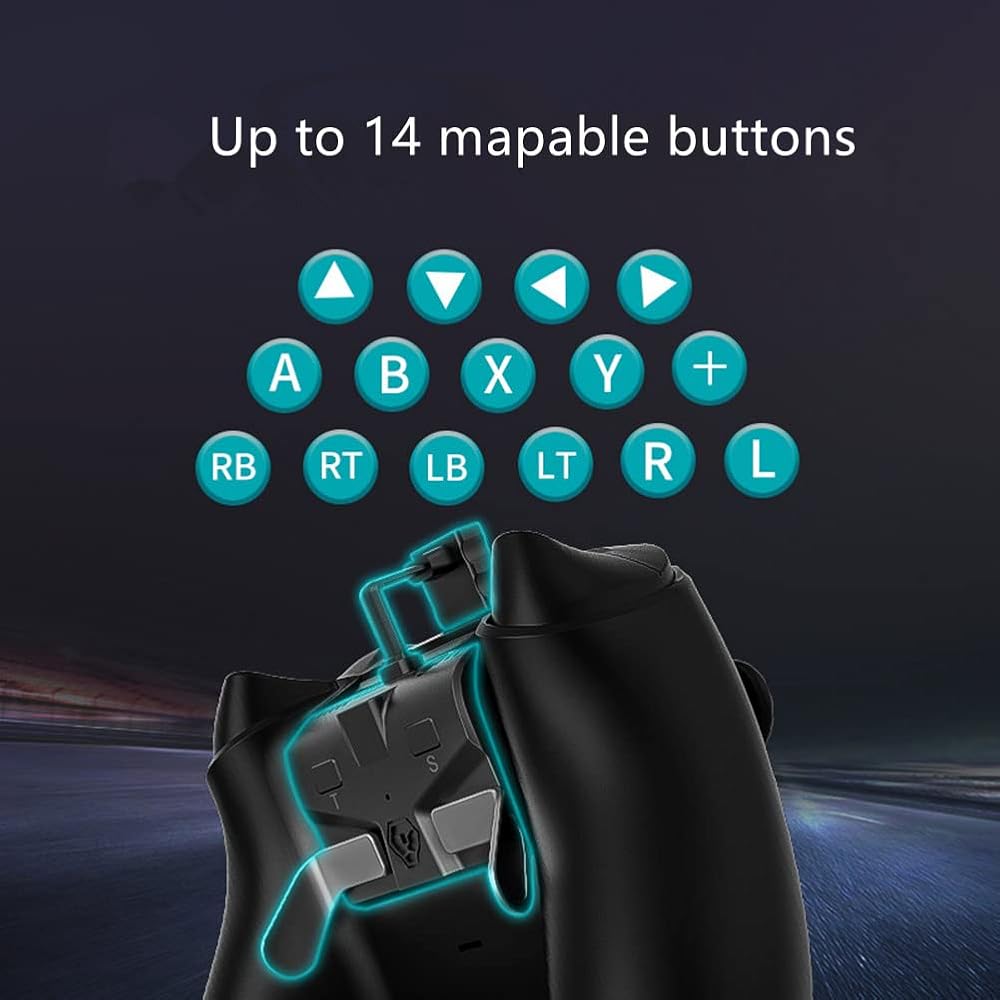
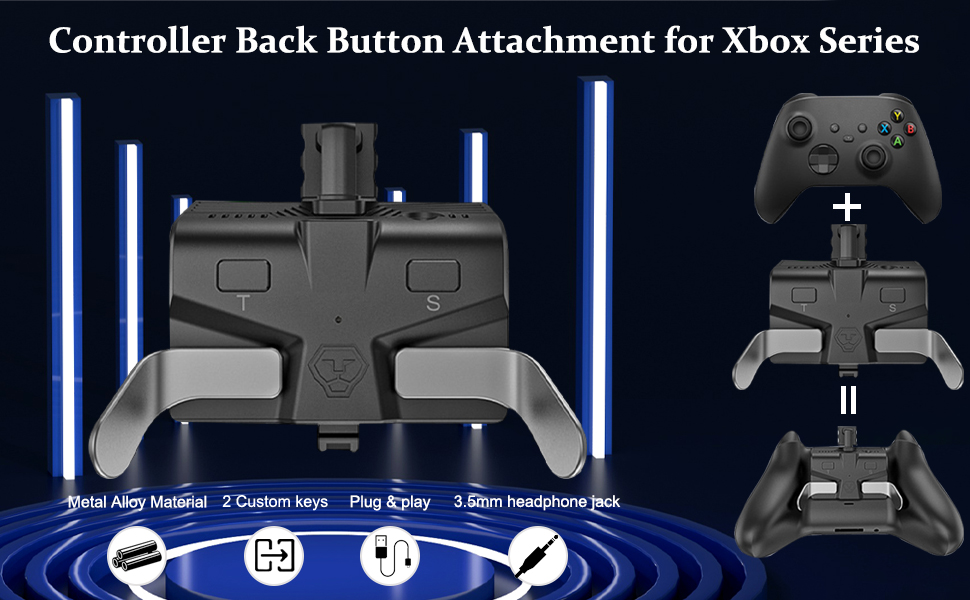
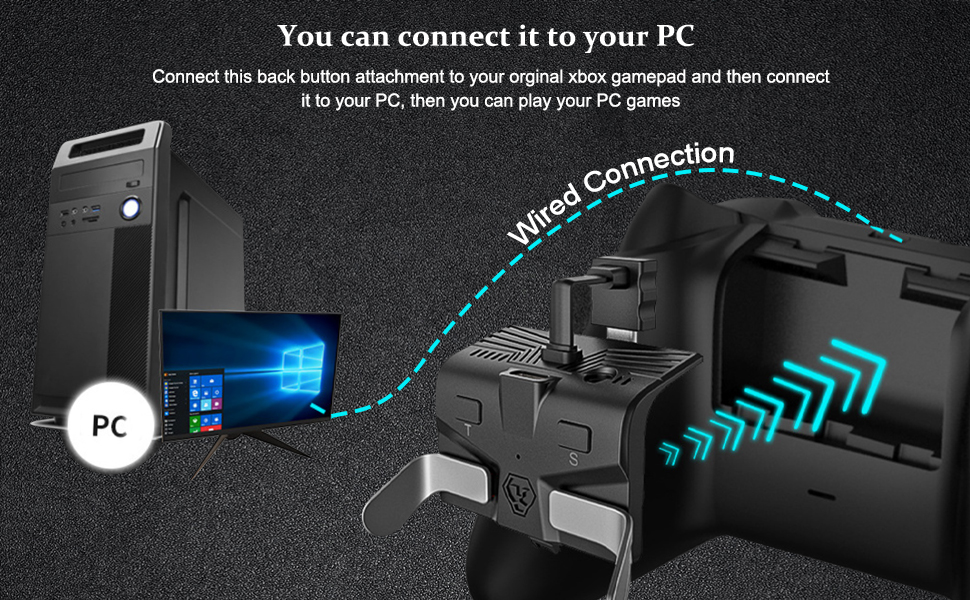
Please Note: When using this back button attachment, the controller should always be connected to the Xbox Series X/S console with a cable, so you cannot use the controller wirelessly. Product Introduction: 1. The multifunctional back key is a product that adds the function of mapping programming keys on the basis of the original gamepad of XBOX Series X/S, which can increase the sense of experience of players. 2. There are two programmable keys that can be programmatically mapped to the gamepad keys up to 14 (X, Y, A, B, RB, RT, LB, LT, R, L, ↑, ↓, ←, →). 3. Equipped with 3.5 earphone interface, can be directly connected to 3.5 connector wired earphone, no sound delay, no noise. 4. The programming key dial is made of metal alloy material, the key feels comfortable; The paddles are designed with magnetic suction for easy disassembly. 5. The design of the appearance of this product has a creative personality, small and exquisite, which is the game players must choose. Installation Instructions: 1. Install the product on the battery position of the gamepad, and then connect the Type c plug wire to the Type c interface on the gamepad. 2. Connect the USB data cable to the Type c interface of the product, and connect the other USB A plug to the Xbox Series X/S game host for use. Function Key Operation Settings: 1. M1 and M2 Programming Key Function Setting Hold down the SET button for 3 seconds, and the LED indicator blinks. At this time, it has entered the setting mode, and you can SET M1 and M2 by yourself. Programming M1 key functions: hold the key on the gamepad (X, Y, A, B, RB, RT, LB, LT, R, L, ↑, ↓, ←, →), then press the custom key M1 and release it, Press the setting key again and the LED indicator will go out to exit the setting mode. Programming M2 key fucions: hold the key on the gamepad (X, Y, A, B, RB, RT, LB, LT, R, L, ↑, ↓, ←, →), then press the key M2 and release it. Press the setting key again and the LED indicator will go out
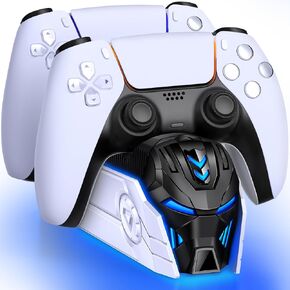 شاحن وحدة تحكم PS5 لجهاز تحكم Playsation 5 Dua-Sense/Edge، محطة شحن مزدوجة سريعة PS5 مع ضوء LED، ملحقات وحدة تحكم PS5 قاعدة شحن PS5 مع سلك شحن
KWD 6
شاحن وحدة تحكم PS5 لجهاز تحكم Playsation 5 Dua-Sense/Edge، محطة شحن مزدوجة سريعة PS5 مع ضوء LED، ملحقات وحدة تحكم PS5 قاعدة شحن PS5 مع سلك شحن
KWD 6
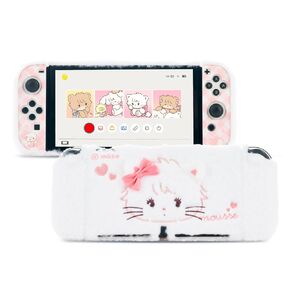 حالة واقية من Geekshare للتبديل OLED ، غطاء Kawaii Plush Cover anti -scratch switch protector hard case incervior مع Switch OLED - Mikko Sweet Sweet
KWD 9.500
حالة واقية من Geekshare للتبديل OLED ، غطاء Kawaii Plush Cover anti -scratch switch protector hard case incervior مع Switch OLED - Mikko Sweet Sweet
KWD 9.500
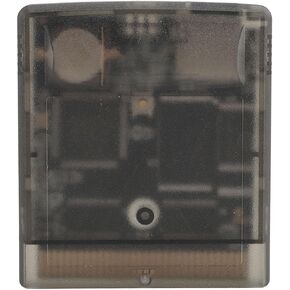 بطاقة ذاكرة ZOPSC Flash لـ Gameboy ، 1000 Professional in 1 8G بطاقة ذاكرة لـ GB GBC GBA SP ، بطاقة توسيع خرطوشة لعبة التحرير والسرد للاعبين (P URPLE RATPARENT)
KWD 16
بطاقة ذاكرة ZOPSC Flash لـ Gameboy ، 1000 Professional in 1 8G بطاقة ذاكرة لـ GB GBC GBA SP ، بطاقة توسيع خرطوشة لعبة التحرير والسرد للاعبين (P URPLE RATPARENT)
KWD 16
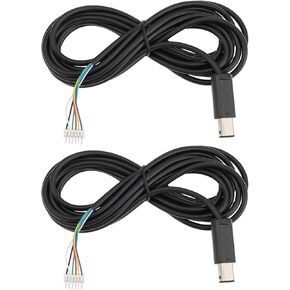 2pcs 10ft 3M لوحات المفاتيح لوحات تحكم وحدة التحكم مع وحدة التحكم مع 6 دبابيس رأس متوافقة مع Nintendo متوافق مع Gamecube GC NGC Controller
KWD 5.500
2pcs 10ft 3M لوحات المفاتيح لوحات تحكم وحدة التحكم مع وحدة التحكم مع 6 دبابيس رأس متوافقة مع Nintendo متوافق مع Gamecube GC NGC Controller
KWD 5.500