- التسوق ، اصبح سهلا.
- /
- احصل على التطبيق!
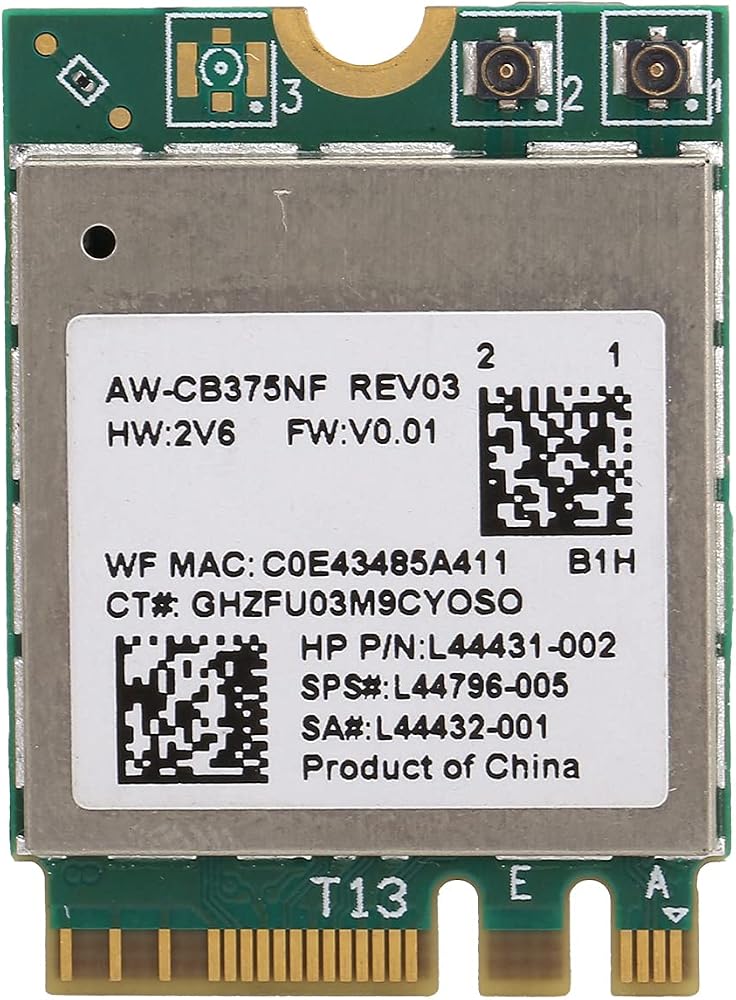
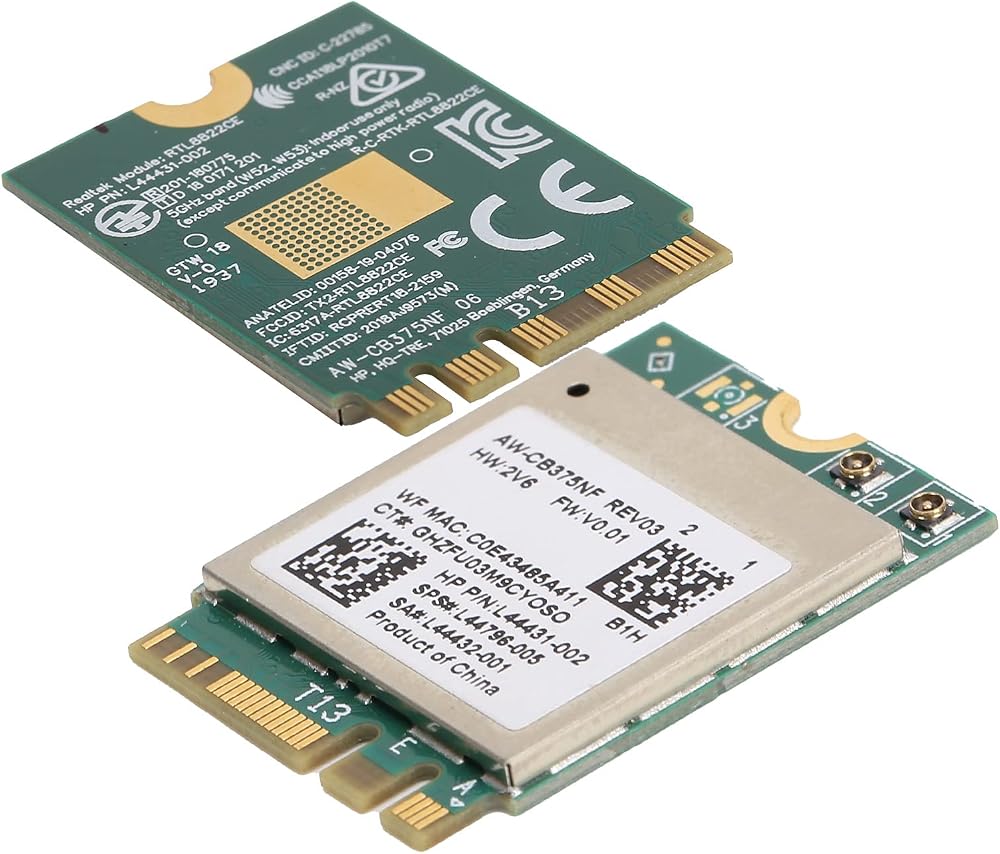
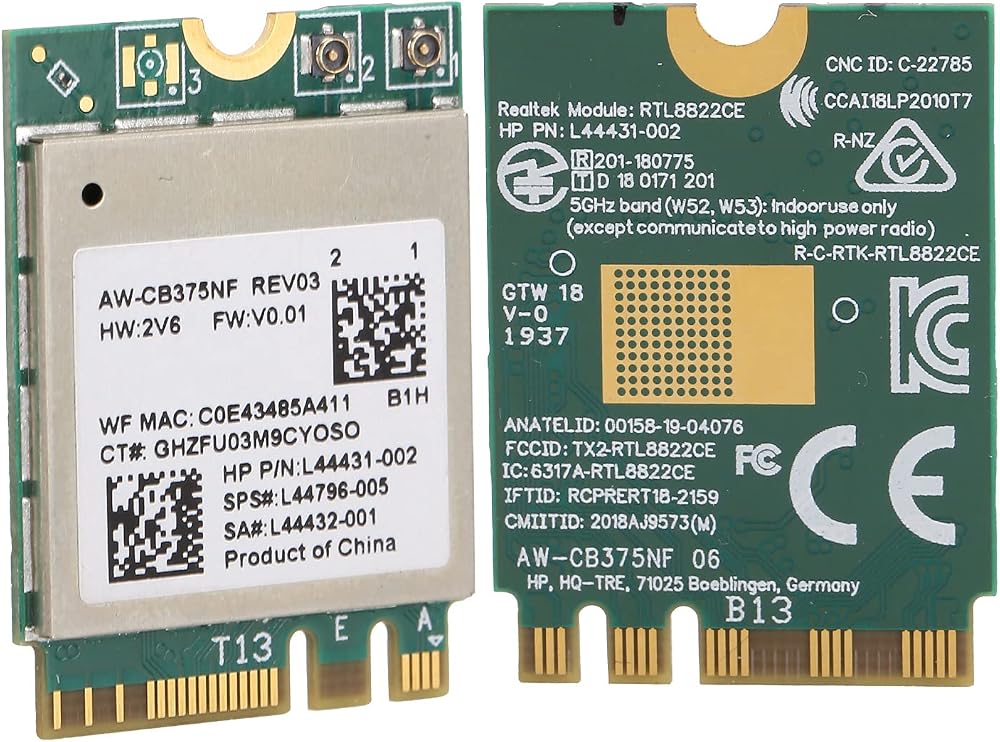
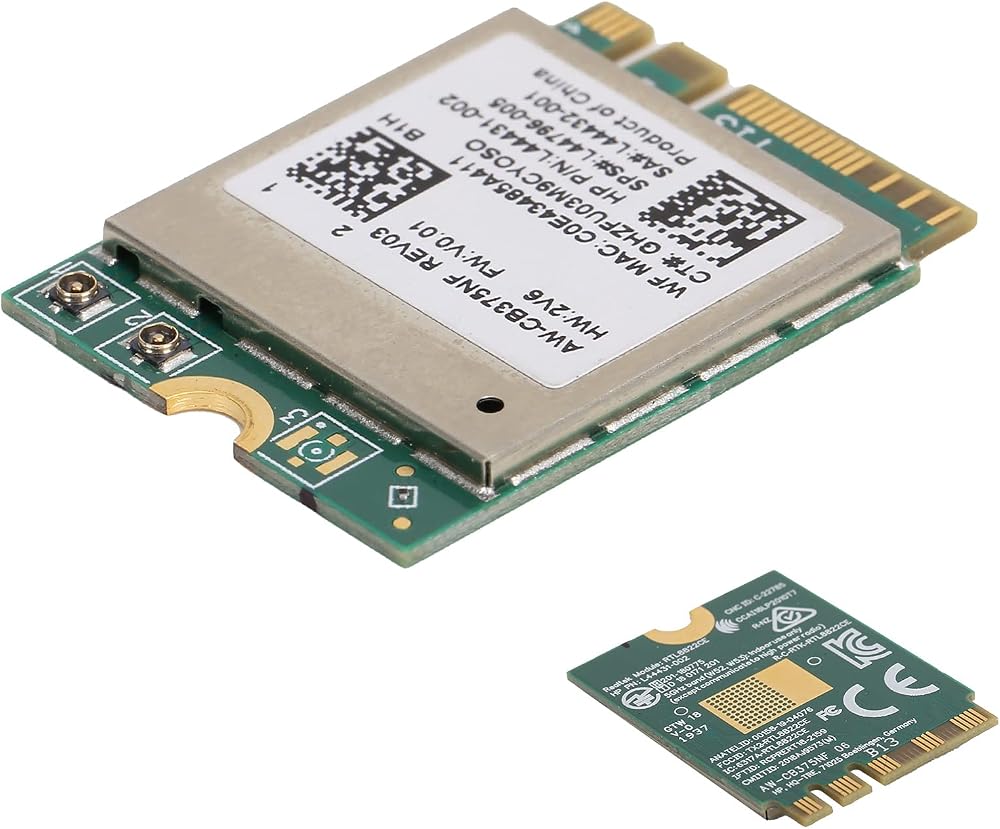
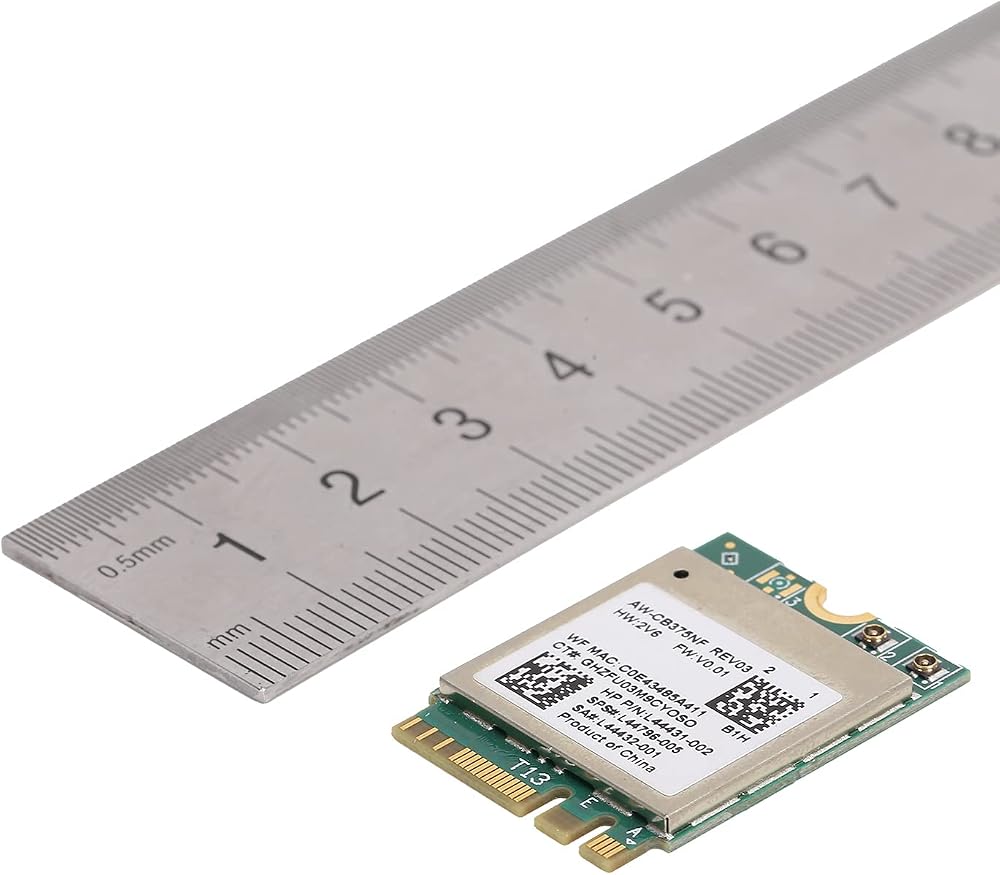
[Highly Compatible] This wifi module complies with ieee 802.11a/b/g/n/ac standards, making it ideal for various devices.
[Quality Design] Crafted from pcb materials, ensuring reliability, miniaturization, and ease of maintenance.
[Multi-system Support] Compatible with 10, , , and more for versatile usage options.
[Advanced ] Equipped with 5.0 support via the m.2 ngff interface for seamless connectivity.
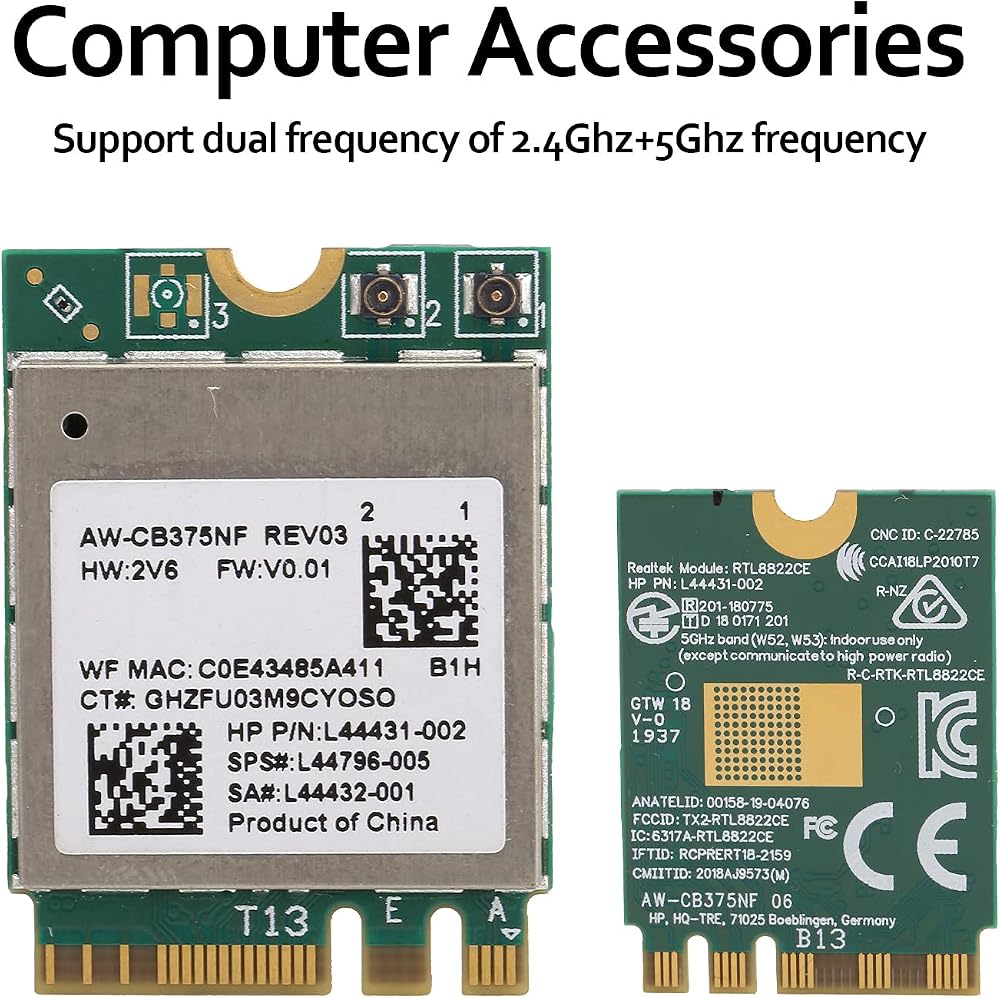
[Dual Frequency Support] Enjoy the flexibility of 2.4ghz and 5ghz frequencies for efficient network connections.
Spec:
Item Type: Wifi Module
Material: PCB
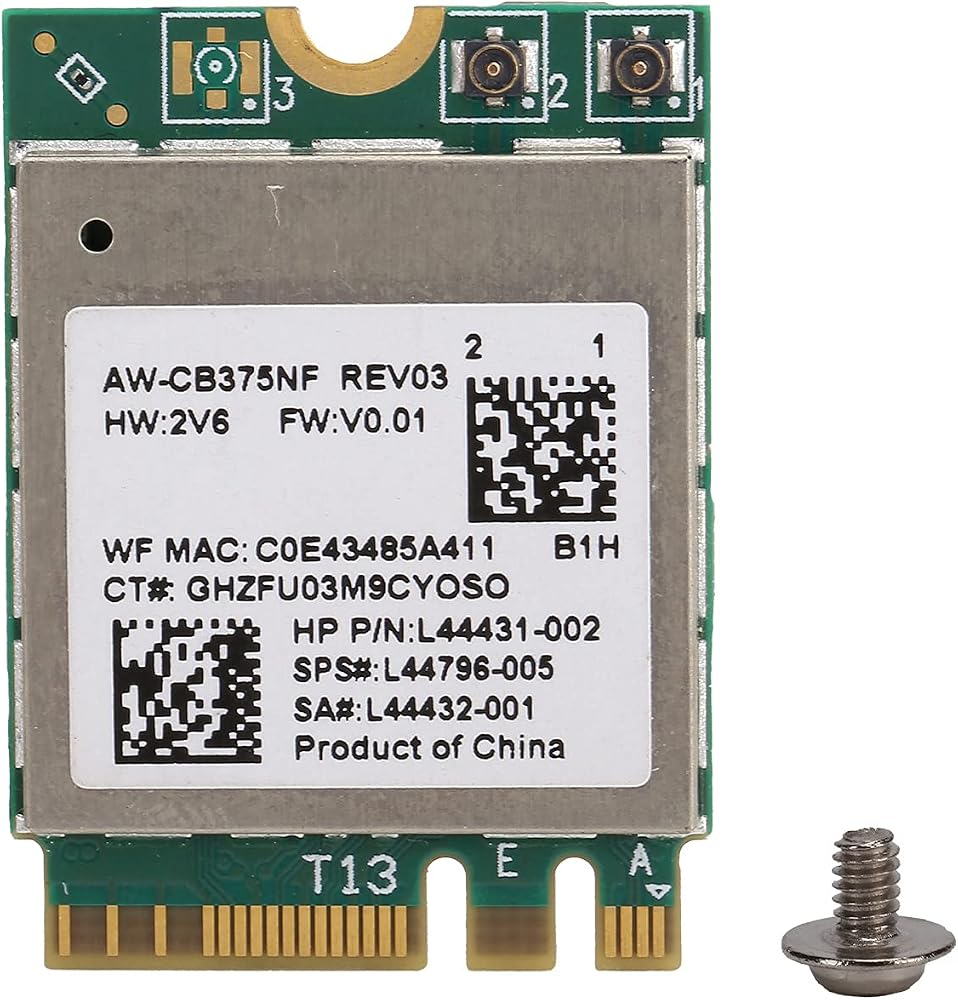
Color: Green board
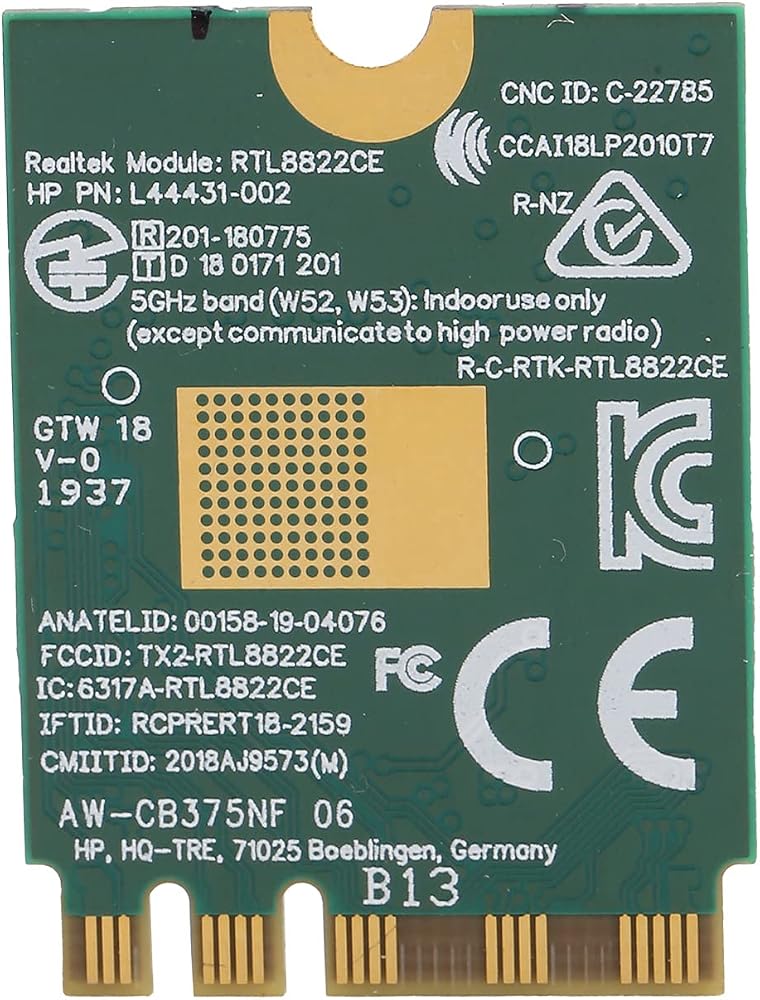
Main Chipset: For RTL8822CE
Network Standard: 802.11a/b/g/n/ac+2T2R
Frequency: 2.4/5.0GHz
Support System: For 10//, etc.
Package List:
1 x Wifi Module
1 x Screw
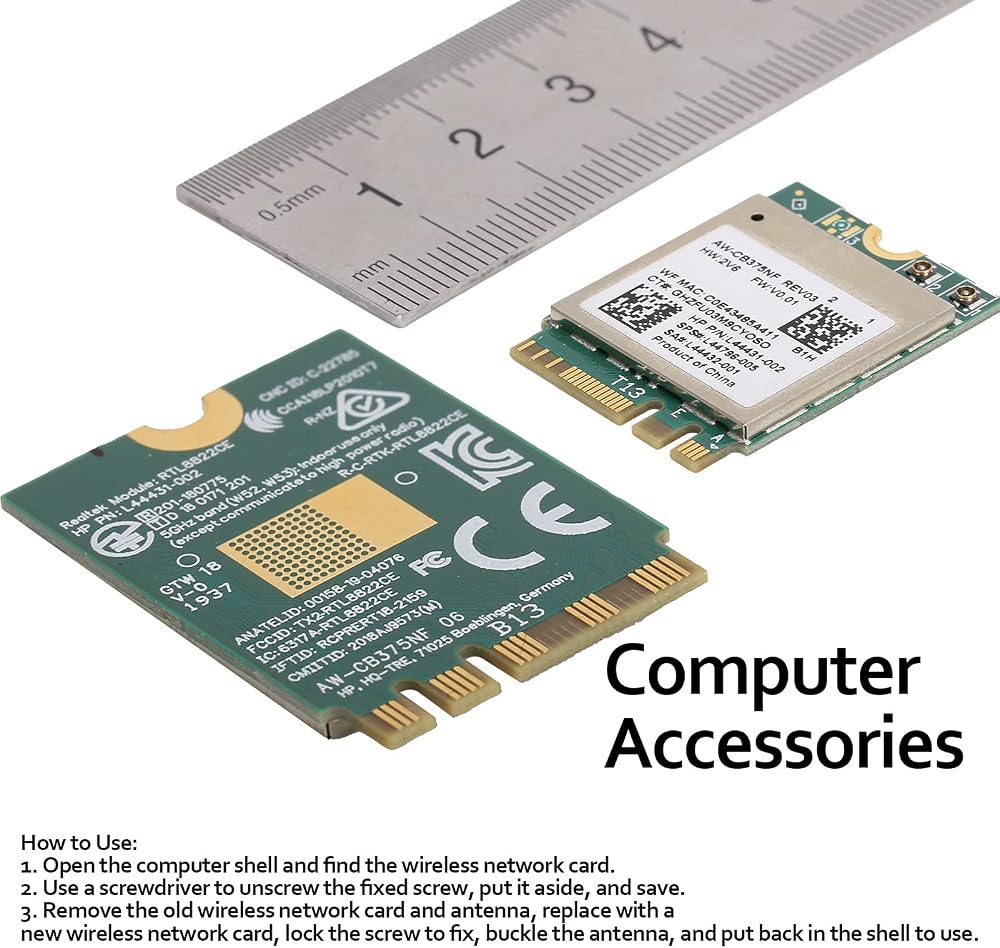
How To Use:
1. Open the computer shell and find the wireless network card.
2. Use a to unscrew the fixed screw, put it aside, and save.
3. Remove the old wireless network card and antenna, replace with a new wireless network card, lock the screw to fix, buckle the antenna, and put back in the shell to use.
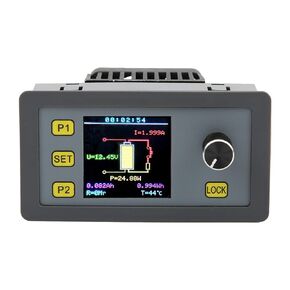 وحدة الحمل الإلكترونية، وحدة كشف الحمل بقدرة 30 وات 5 أمبير مناسبة للديكور والبناء، وتكنولوجيا الطاقة الكهرومائية، واختبار الشيخوخة، وتفريغ البطارية
KWD 12.500
وحدة الحمل الإلكترونية، وحدة كشف الحمل بقدرة 30 وات 5 أمبير مناسبة للديكور والبناء، وتكنولوجيا الطاقة الكهرومائية، واختبار الشيخوخة، وتفريغ البطارية
KWD 12.500
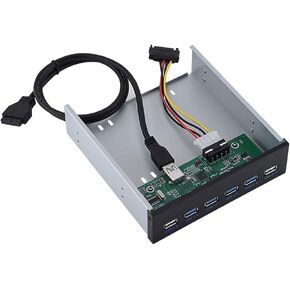 موزع USB 3.0 بلوحة امامية 6 منافذ، موزع USB معدني مع 4 منافذ USB 3.0 ومنفذي USB 2.0 للشحن السريع ونقل البيانات
KWD 13
موزع USB 3.0 بلوحة امامية 6 منافذ، موزع USB معدني مع 4 منافذ USB 3.0 ومنفذي USB 2.0 للشحن السريع ونقل البيانات
KWD 13
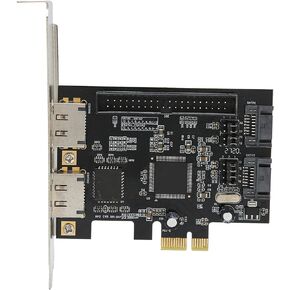 بطاقة محول PCIe، بطاقة محول PCIe إلى SATA ESATA IDE PCB محول الشبكة أجهزة الكمبيوتر مع قرص مضغوط للسائق
KWD 10
بطاقة محول PCIe، بطاقة محول PCIe إلى SATA ESATA IDE PCB محول الشبكة أجهزة الكمبيوتر مع قرص مضغوط للسائق
KWD 10
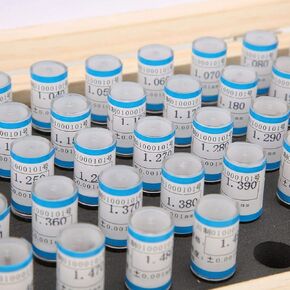 50 قطعة من مقياس الدبوس، 1-1.49 ملم مجموعة دبوس التوصيل 0.001 ملم تحمل التسامح أداة الدقة الفولاذية للوحات الدوائر الإلكترونية
KWD 23
50 قطعة من مقياس الدبوس، 1-1.49 ملم مجموعة دبوس التوصيل 0.001 ملم تحمل التسامح أداة الدقة الفولاذية للوحات الدوائر الإلكترونية
KWD 23