- التسوق ، اصبح سهلا.
- /
- احصل على التطبيق!

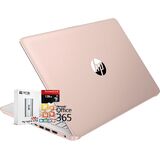
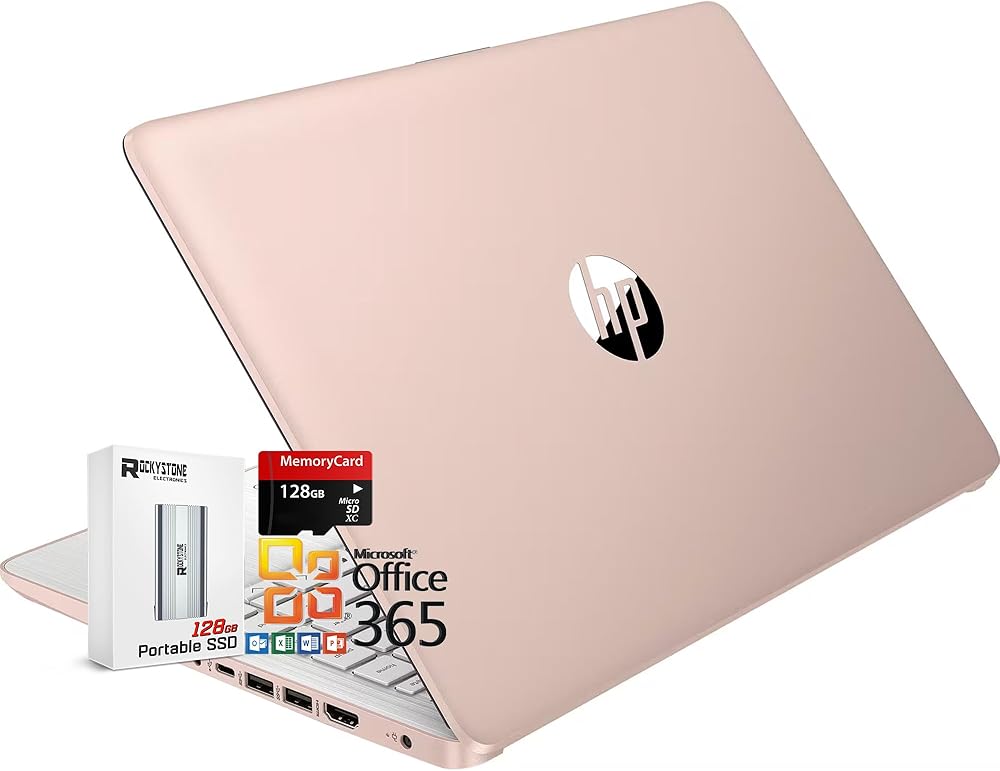
We sell computers with upgraded configurations, so the original factory box will be opened and resealed to install the upgrades to achieve the specifications as advertised. Defects & blemishes are significantly reduced by our professional inspection & testing.
Color:Willow Green
Memory:16GB 3200Mhz DDR4 MemoryStorage: 128gb Universal Flash Storage (SSD), plus 128GB Micro SD card
Processor:Intel Processor N150 (up to 3.6 GHz with Intel Turbo Boost Technology, 6 MB L3 cache, 4 cores, 4 threads).
Display: 14.0-inch diagonal, HD (1366 x 768), Anti-glare, micro-edge, BrightView, 250 nits brightness, 62.5 percent sRGB.
Screen Resolution: HD (1366 x 768)
Accessories:128GB External SSD & 128GB MicroSD card
Graphics: Intel Integrated UHD Graphics
Operating system: Windows 11 Home in S Mode
Tuned Stereo Speakers:: Custom-tuned dual speakers are put through rigorous testing and refinement to deliver exceptional audio quality.
WLAN Connectivity:Wi-fi 6 (2x2) And Bluetooth 5.4 Wireless Card
Audio: HD Audio with Stereo Speakers
Keyboard: Full-size Island-style Keyboard
Built-in HD Webcam:HP Wide Vision 720p HD camera with camera shutter and integrated dual array digital microphones
Ports: 2 X USB 3.1 Type A | 1 X Headphone/Speaker/Line-Out Jack | 1 X USB 3.1 TYPE-C | 1 X HDMI 1.4 | 1 x Media Card Reader | 1 x AC Smart pin
Battery:3-cell, 45 Wh Li-ion polymer Upto 11 Hours Battery Life
Dimensions L x W x H (inches):12.76 x 8.86 x 0.71 inches
Weight: 3.35lb
How to switch s mode to windows 11 Home
On your PC running Windows 11 in S mode, open Settings > Update & Security > Activation.
In the Switch to Windows 11 Home or Switch to Windows 11 Pro section, select Go to the Store. (If you also see an "Upgrade your edition of Windows" section, be careful not to click the "Go to the Store" link that appears there.)
On the Switch out of S mode (or similar) page that appears in the Microsoft Store, select the Get button. After you see a confirmation message on the page, you'll be able to install apps from outside of the Microsoft Store.
Microsoft Office: Microsoft Office Pro is pre-installed. Open Excel, go to "Account" and activate the included version instead of the limited 365 trial. Upon opening any Office software for the first time, you will be prompted with a message similar to the following: ""Try premium Office apps for free with Microsoft 365." To continue, you must select the option "No thanks" or "Decline.
 كمبيوتر محمول يعمل بالذكاء الاصطناعي من HP | كمبيوتر FHD مقاس 17.3 بوصة | ذاكرة الوصول العشوائي 32 جيجابايت | 1 تيرابايت SSD و128 جيجابايت SSD محمول | وحدة المعالجة المركزية Intel 6-Core i3 | كاميرا ويب | USB-C | Wi-Fi | بلوتوث | مساعد الطيار جاهز | شحن س
KWD 441
كمبيوتر محمول يعمل بالذكاء الاصطناعي من HP | كمبيوتر FHD مقاس 17.3 بوصة | ذاكرة الوصول العشوائي 32 جيجابايت | 1 تيرابايت SSD و128 جيجابايت SSD محمول | وحدة المعالجة المركزية Intel 6-Core i3 | كاميرا ويب | USB-C | Wi-Fi | بلوتوث | مساعد الطيار جاهز | شحن س
KWD 441
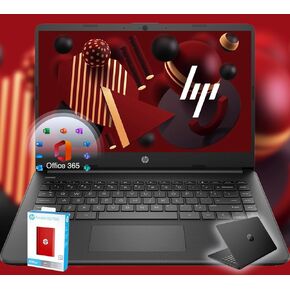 HP 14 Ultrabook • العودة إلى School Limited Edition مع Microsoft 365 • Intel 4-Core CPU • ذاكرة الوصول العشوائي 32GB • تخزين 1.6 تيرابايت (128 جيجابايت على متن الطائرة 512GB P500 SSD + 1TB ONEDRIVE) • أسود • وين 11
KWD 152
HP 14 Ultrabook • العودة إلى School Limited Edition مع Microsoft 365 • Intel 4-Core CPU • ذاكرة الوصول العشوائي 32GB • تخزين 1.6 تيرابايت (128 جيجابايت على متن الطائرة 512GB P500 SSD + 1TB ONEDRIVE) • أسود • وين 11
KWD 152
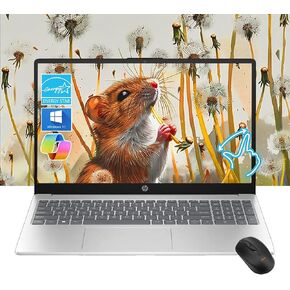 HP Pavilion 15.6 "HD Touchscreen Laptop | 8GB RAM | 256GB SSD | Intel Core I3-1215U حتى 4.1 جيجا هرتز | بطارية 11 ساعة | Windows 11 | USB-C & HDMI |
KWD 139.500
HP Pavilion 15.6 "HD Touchscreen Laptop | 8GB RAM | 256GB SSD | Intel Core I3-1215U حتى 4.1 جيجا هرتز | بطارية 11 ساعة | Windows 11 | USB-C & HDMI |
KWD 139.500
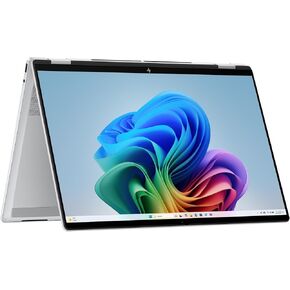 HP 2025 Omnibook 7 Flip 2-In-1 16 "2880x1800 Touch Laptop 8-Core Intel Core Ultra 7 258V Arc Graphics 32GB LPDDR5 2TB SSD Thunderbolt 4 USB-C W/DP WIFI BT CAM HDMI2.1 Backlit KB Windows 11
KWD 515.500
HP 2025 Omnibook 7 Flip 2-In-1 16 "2880x1800 Touch Laptop 8-Core Intel Core Ultra 7 258V Arc Graphics 32GB LPDDR5 2TB SSD Thunderbolt 4 USB-C W/DP WIFI BT CAM HDMI2.1 Backlit KB Windows 11
KWD 515.500