- التسوق ، اصبح سهلا.
- /
- احصل على التطبيق!
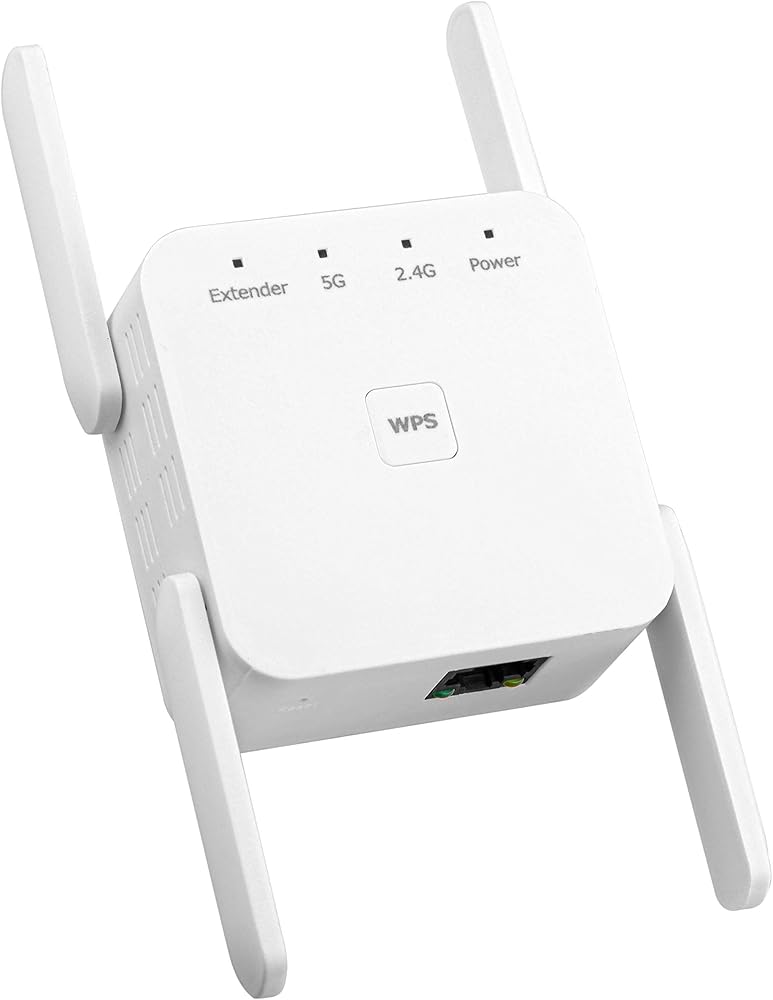
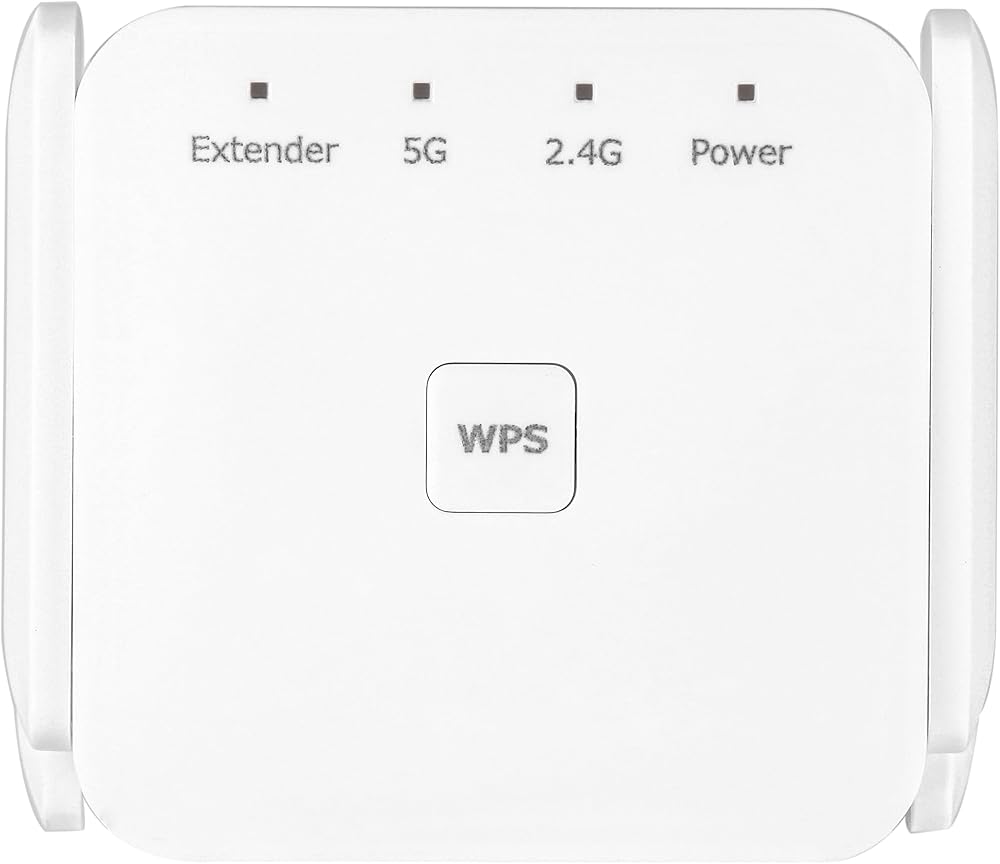
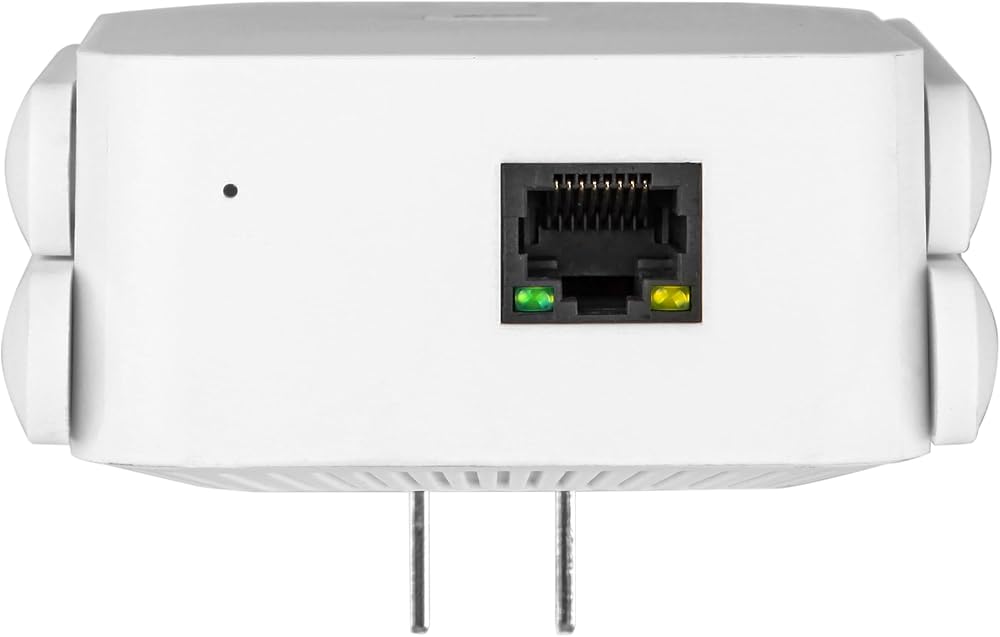
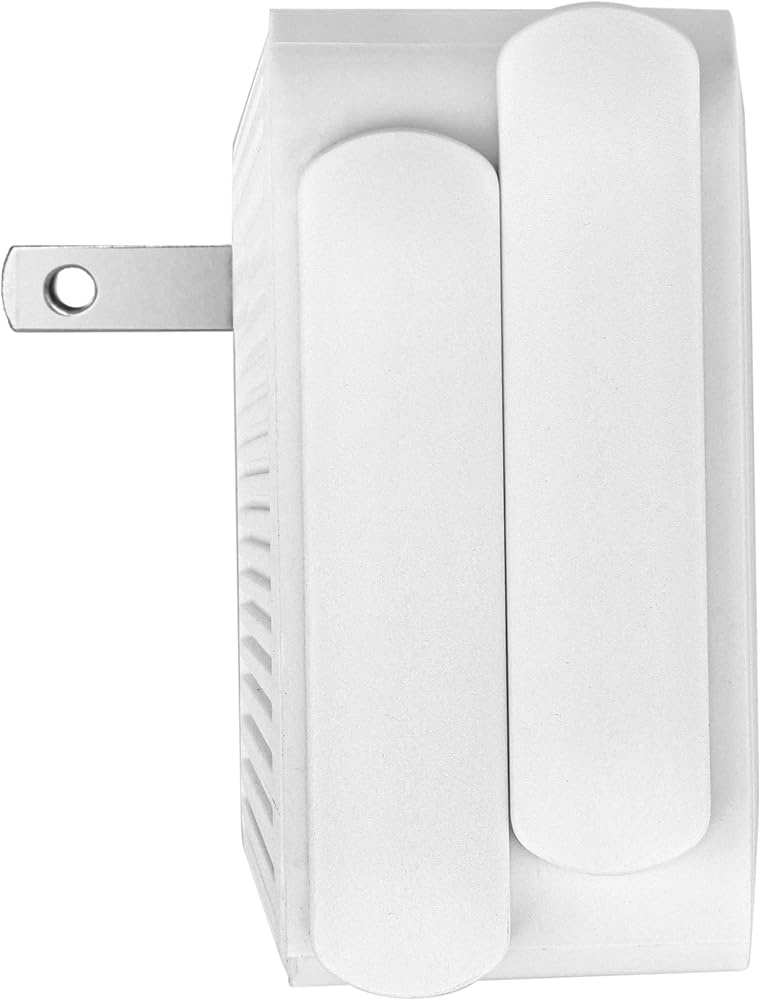
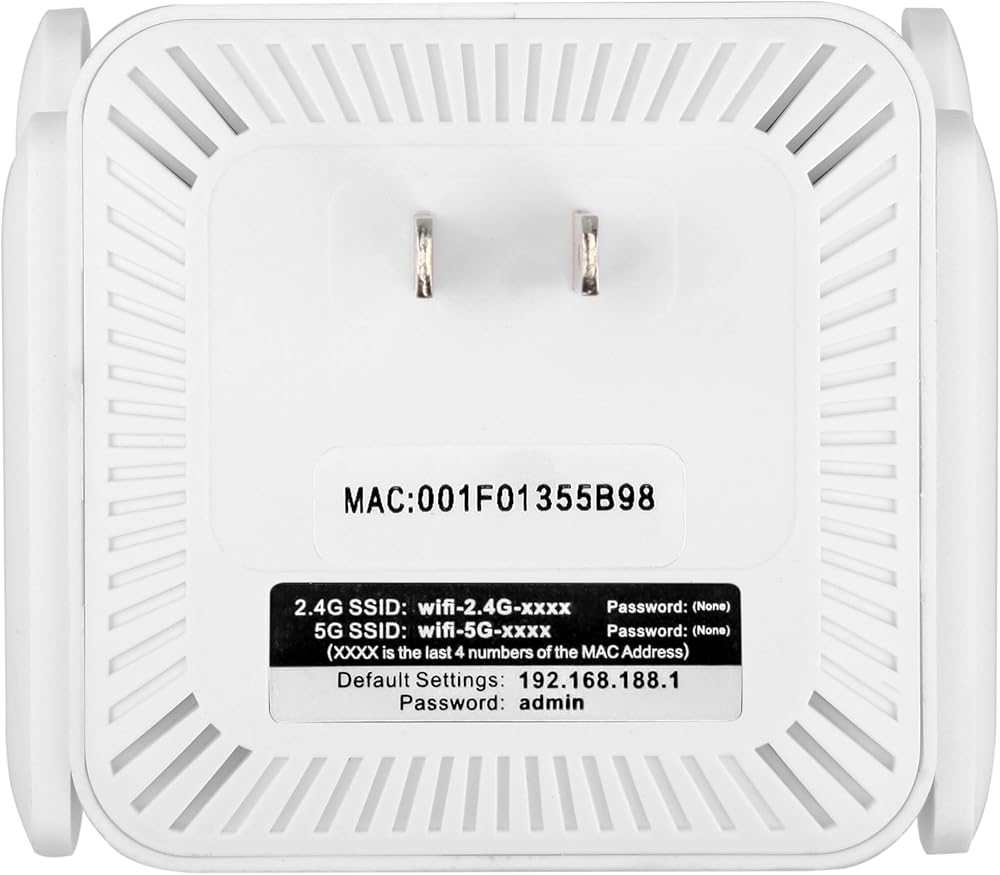
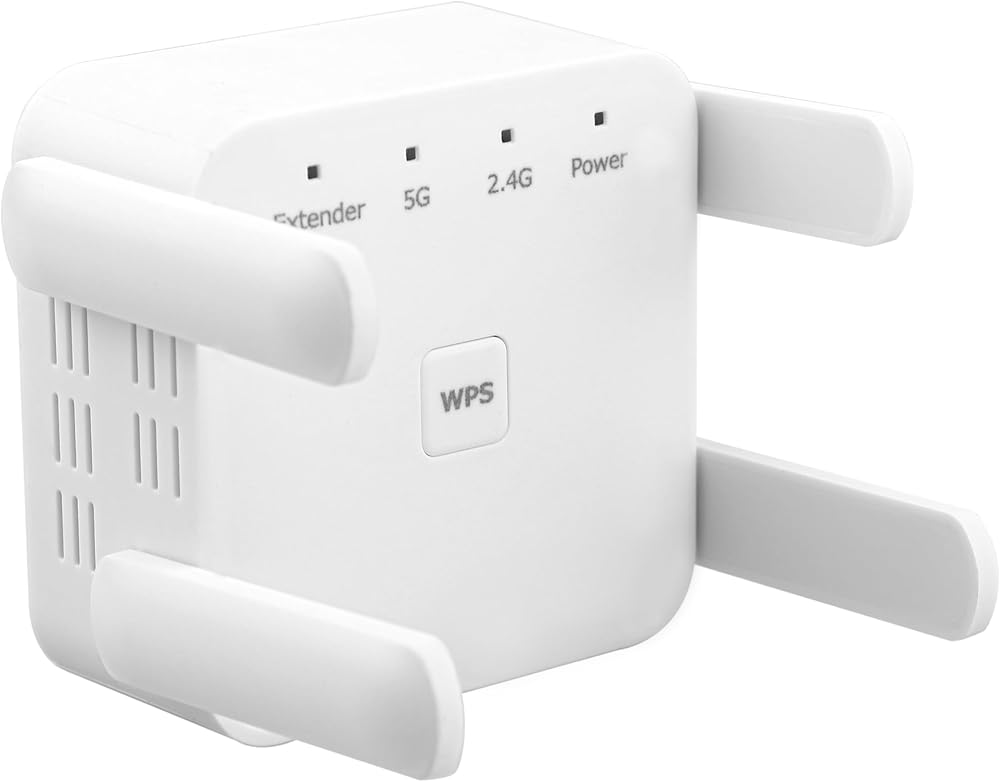
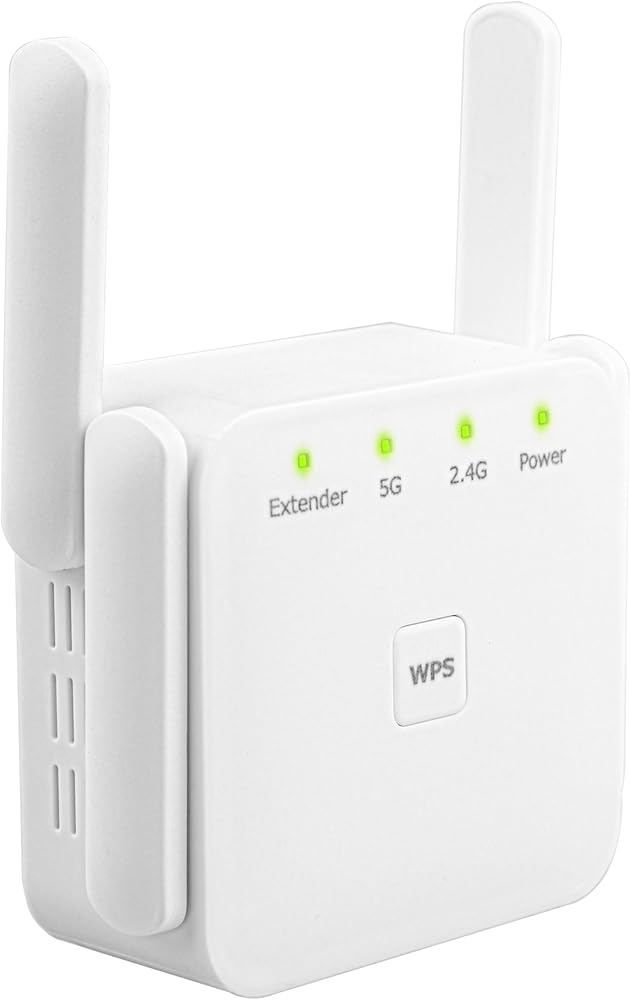
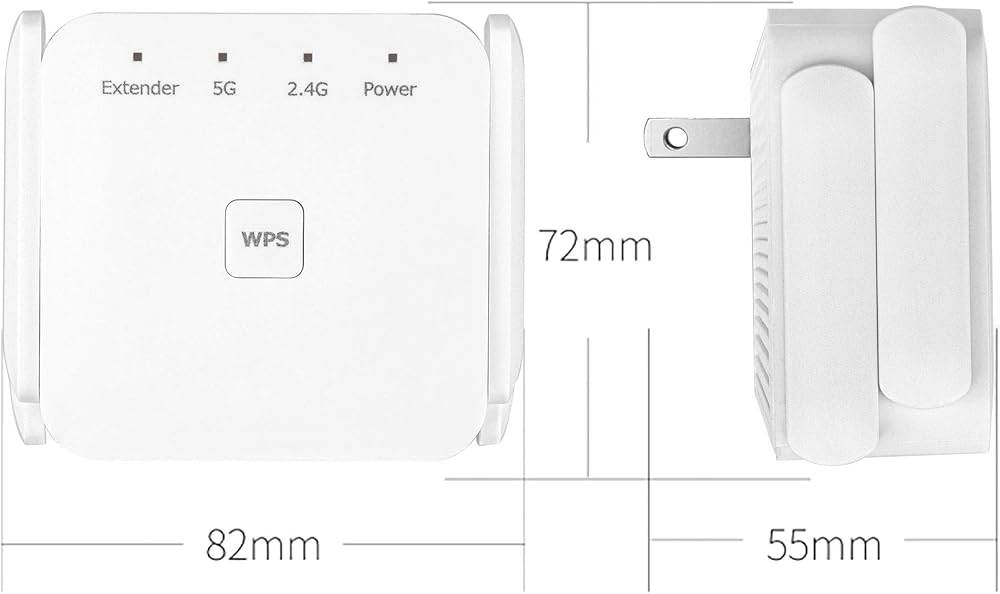
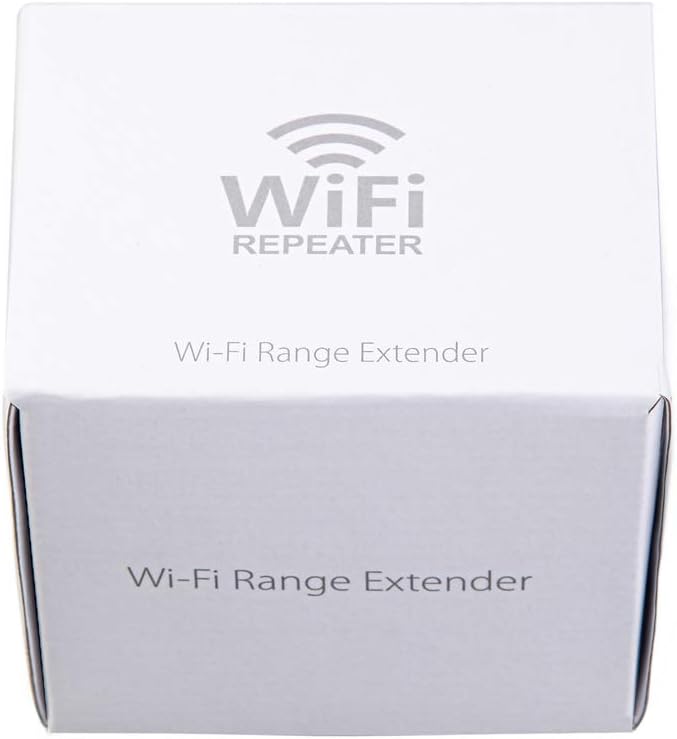
Product packaging: Product accessories: 1 * repeater 1 * English manual 1 * reset pin 1 * packaging box Product specifications: Product model: WD-R1203U Product colors: white and black Product material: ABS+PC material Transmission speed: 1200Mbps Packing information: Bare weight: 100g Full set weight: 120g Product size: 82x72x55mm Packaging size: 90x75x78mm Product features: WiFi signal extension, L-port WiFi signal transmission, wireless to wired conversion. Compliant with 5G: IEEE802.11a (54Mbps), IEEE802.11ac (867Mbps) 2.4G: IEEE802.11b (11Mbps), IEEE802.11g (54Mbps), IEEE802.11n (300Mbps) standards, plug-in design. Signal frequency: 2.4GSSID: Wifi-2.G-XXX Signal frequency: 5GSSID: Wifi5G-XXXX IP address: 192.168.188.1 Password: admin If your router has a WPS button, you can plug the WIFI amplifier into the power supply. First press the WPS button on the router, then press the WPS button on the WIFI amplifier, and wait for 2 minutes to connect If the amplifier name and number cannot be found, you can reset it. After plugging the amplifier into the power supply, use the configured needle to insert it into the small hole at the bottom of the amplifier for 10 seconds. Wait for the indicator light to change to complete the factory settings before searching for the name and number. Alternatively, long press the amplifier WPS key for 10 seconds, release it for a few seconds, and wait for the indicator light to change to complete the factory settings before searching for the name and number Relay mode: Sometimes a device may be in the living room, but due to poor signal, the bedroom signal may only be one grid, which requires further expansion of the wireless network. At this point, it is possible to consider using another wireless router to expand the network through relay mode. The name of the "amplified" wireless signal should be consistent with the original wireless router signal name, such as for mobile phones, tablets, etc., without the need for manual switching, relying entirely on the network to cover itself. Feature: When setting up the relay, it is necessary to connect to another WiFi signal and keep the WiFi name setting completely consistent. Applicable scenarios: Expand the network and achieve signal "roaming" within a certain range AP mode: AP mode is quite special, usually only AP hotspot devices have this function, and AP devices do not have bridging or routing modes, but support relay function. The difference between relay and AP hotspot is also very simple. Relay mode is actually a 1:1 extension of a wireless network, and does not require cable connection. Both routers and AP devices support this mode; AP mode uses Ethernet cables to expand WiFi signals, but it is not responsible for managing the network itself. It is like a wireless switch that converts wired signals into wireless signals, and other functions need to be implemented by routers (such as assigning IP addresses and managing networks). Features: Converted into a wireless network through Ethernet cables, without management or routing functions. Applicable scenarios: Covering signal blind spots, similar in function to relays, but AP devices do not require configuration, plug and play Extend Wi-Fi Coverage - Boost Internet Wi-Fi coverage up to 7600 square feet and connects up to 40 devices - Compatible with Wi-Fi Router, Gateway, Access Point Easy Set Up - the wifi repeater is simple to set up and easy to use,Find the optimal location for the best WiFi connection with an intelligent signal indicator No More Dead Zones - Eliminate dead spots in rooms with weak Wi-Fi coverage with our Wifi range extender,improve network strength,Farewell signal weak or broken ! More than a WiFi Repeater - The WiFi extender with an Ethernet port can easily turn your wired Internet connection into a new Wi-Fi Access point for home 【Keep Your Network Safe】WiFi Extender supports WPA/WPA2 wireless security protocols and regular security updates,maximize network security, ensure your network safety problem.There is no need to worry about Internet attacks or leakage of private information when using the Internet.and We provide 24-HOUR technical service and 24-MONTH Warranty.
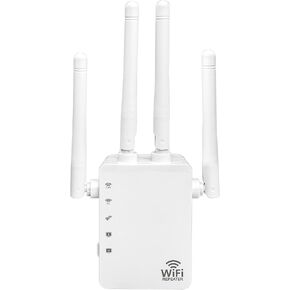 معزز إشارة موسع واي فاي، مكرر واي فاي 2.4 جيجا/5.8 جيجا يغطي ما يصل إلى 7600 قدم مربع و40 جهاز، موسع إشارة نطاق واي فاي لاسلكي مع منفذ إيثرنت لتعزيز إشارة الإنترنت للمنزل (WD-R1200U)
KWD 24.500
معزز إشارة موسع واي فاي، مكرر واي فاي 2.4 جيجا/5.8 جيجا يغطي ما يصل إلى 7600 قدم مربع و40 جهاز، موسع إشارة نطاق واي فاي لاسلكي مع منفذ إيثرنت لتعزيز إشارة الإنترنت للمنزل (WD-R1200U)
KWD 24.500
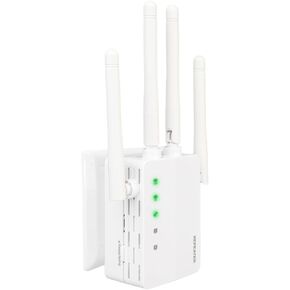 WIFI Extender Signal Booster ، 2.4G/5.8G Dual Band WiFi Crepeater يغطي ما يصل إلى 10 كيلو متر مربع و 50 جهازًا ، موسع نطاق WiFi اللاسلكي مع إشارة إنترنت منفذ Ethernet للمنزل (WD-R1206U)
KWD 16.500
WIFI Extender Signal Booster ، 2.4G/5.8G Dual Band WiFi Crepeater يغطي ما يصل إلى 10 كيلو متر مربع و 50 جهازًا ، موسع نطاق WiFi اللاسلكي مع إشارة إنترنت منفذ Ethernet للمنزل (WD-R1206U)
KWD 16.500
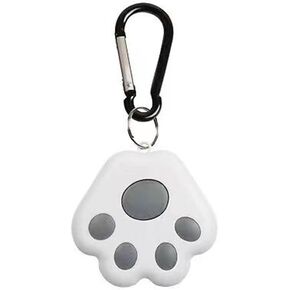 تتبع مفتاح Bluetooth تصل إلى 82 قدمًا ، BT 4.0 مفاتيح مع صوت ، جهاز تتبع محدد العناصر مثل المفاتيح ، الحقائب ، مكتشف الهاتف يعمل مع iOS و Android ، وعلامة الهواء المقاومة للمياه ، وملفقة كلب لطيف ، رمادي ،
KWD 3.500
تتبع مفتاح Bluetooth تصل إلى 82 قدمًا ، BT 4.0 مفاتيح مع صوت ، جهاز تتبع محدد العناصر مثل المفاتيح ، الحقائب ، مكتشف الهاتف يعمل مع iOS و Android ، وعلامة الهواء المقاومة للمياه ، وملفقة كلب لطيف ، رمادي ،
KWD 3.500
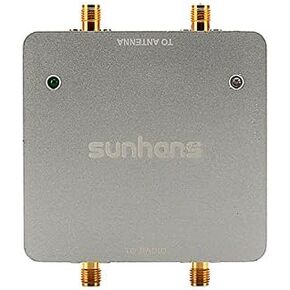 هوائي مزدوج WIFI WIFI الداعم 1000MW 2.4 جيجا هرتز 2T2R / 300MBPS WIFI الإشارة مكبر لمكبر المكرر SH24GI1000-D2 لأجهزة التوجيه ، كاميرا IP ، الطائرات بدون طيار ، كاميرات IP ، RC معدات
KWD 36.500
هوائي مزدوج WIFI WIFI الداعم 1000MW 2.4 جيجا هرتز 2T2R / 300MBPS WIFI الإشارة مكبر لمكبر المكرر SH24GI1000-D2 لأجهزة التوجيه ، كاميرا IP ، الطائرات بدون طيار ، كاميرات IP ، RC معدات
KWD 36.500