- التسوق ، اصبح سهلا.
- /
- احصل على التطبيق!
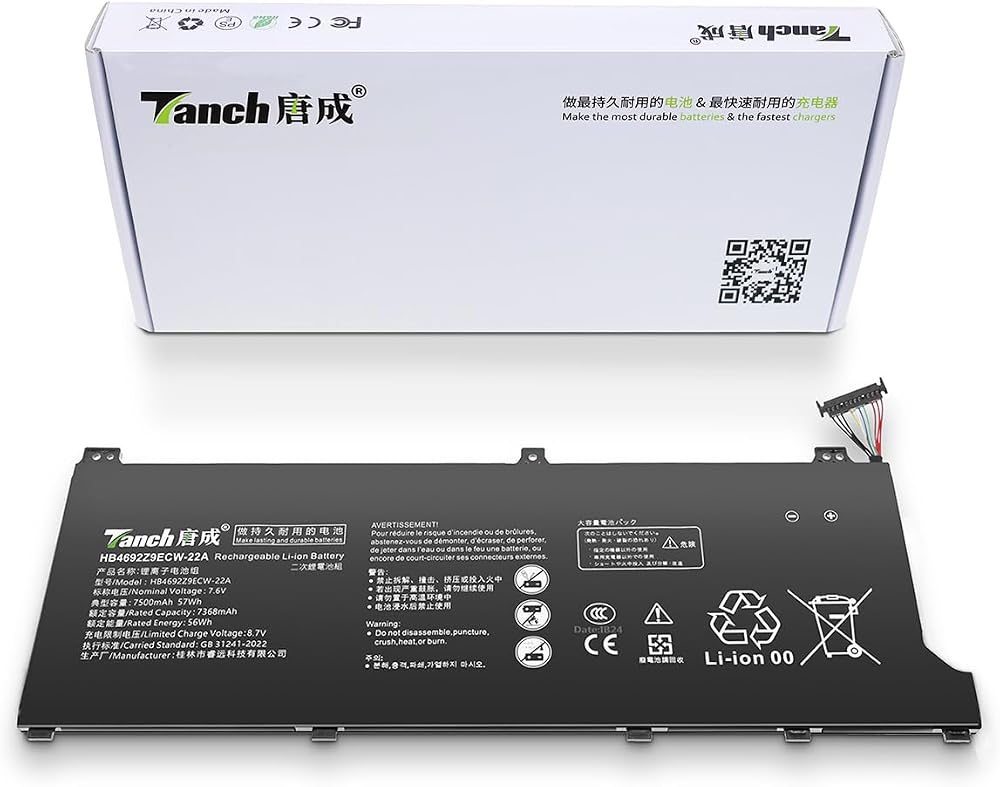
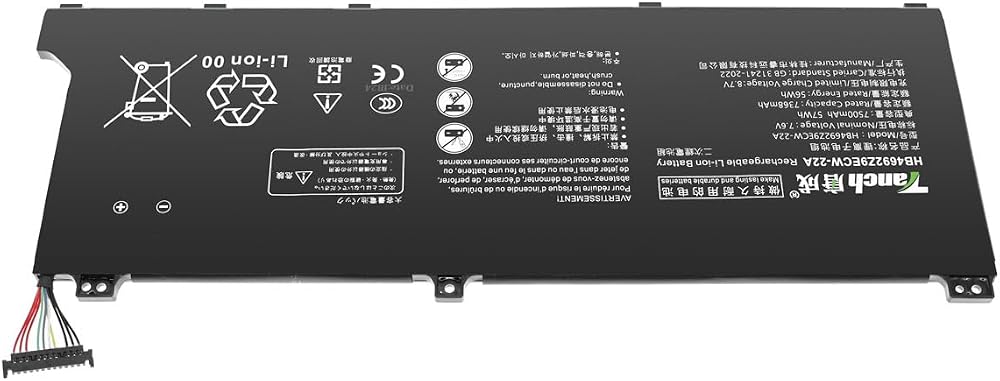
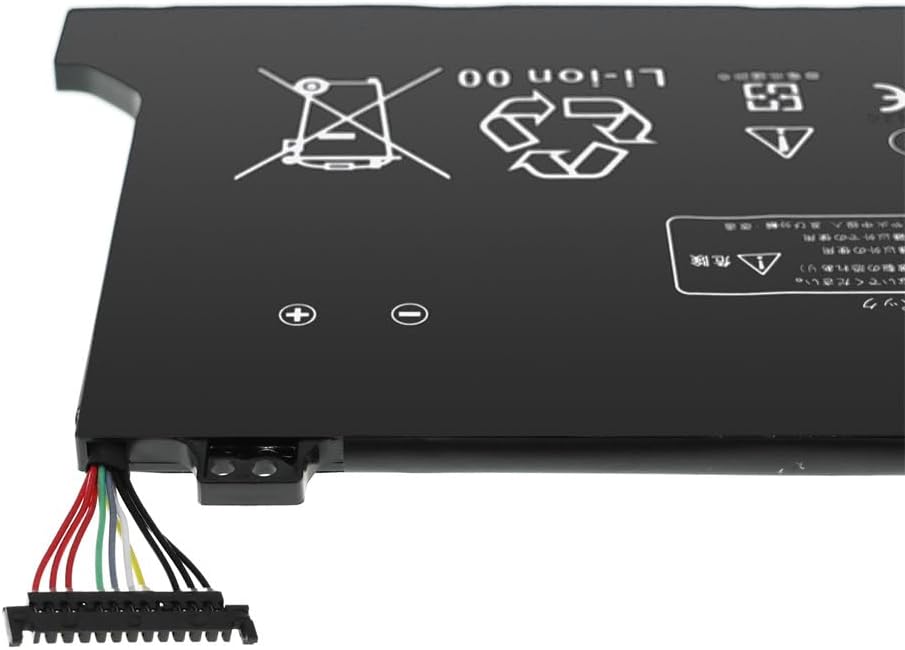
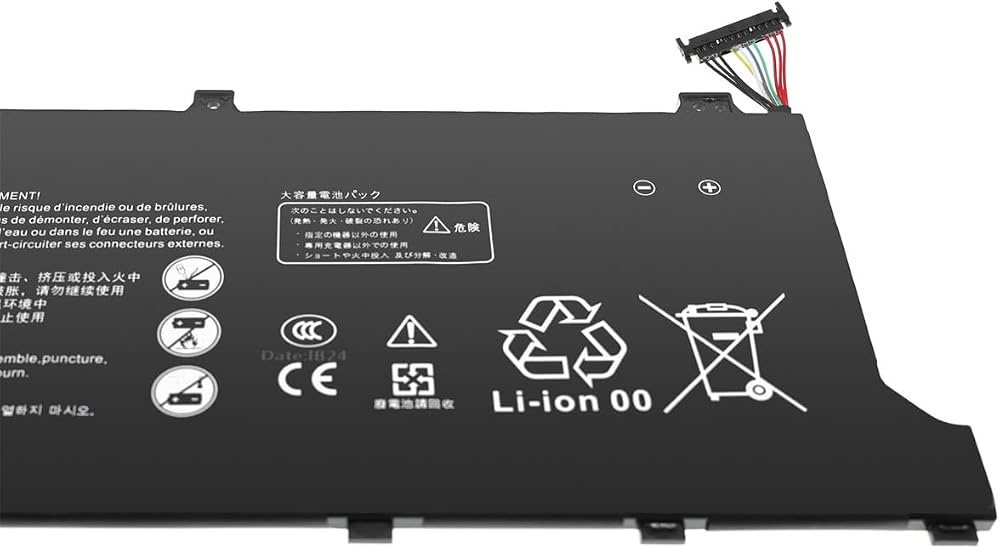
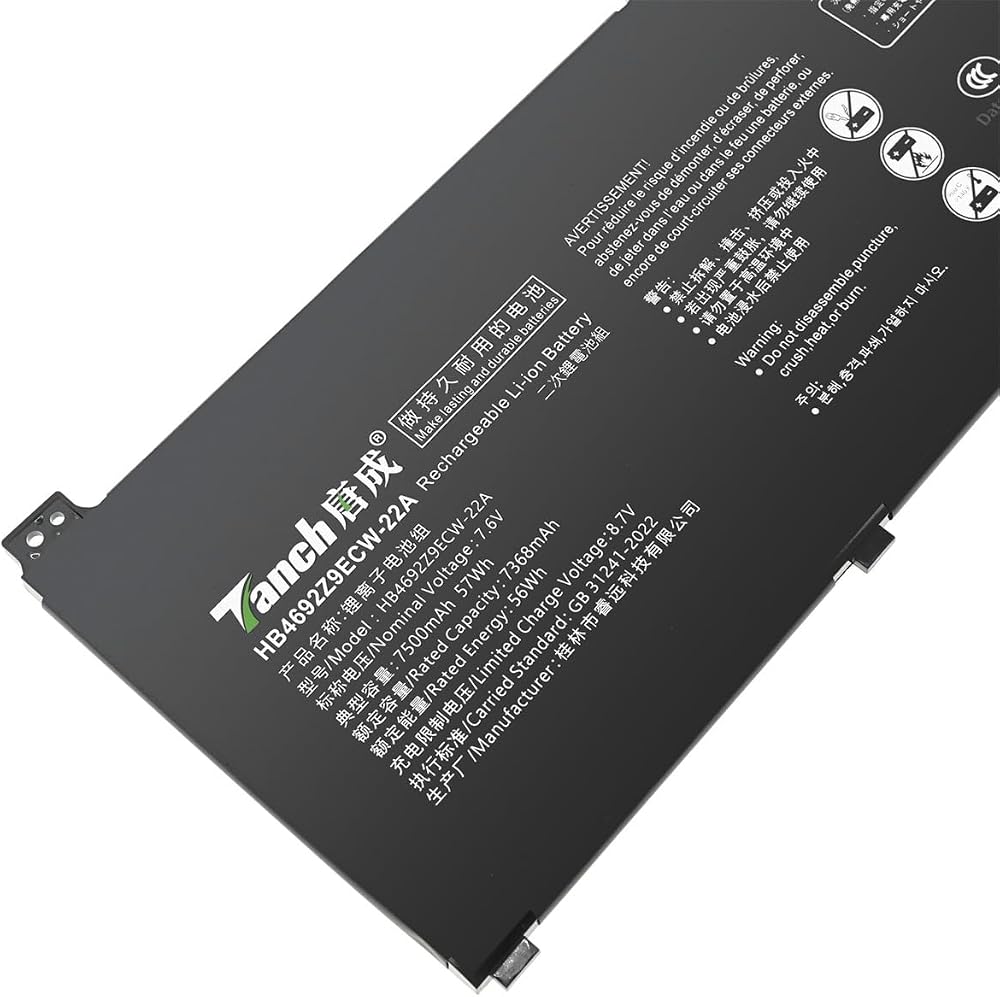
📋Battery ParametersVoltage: 7.6V
Capacity: 7500mAh (57W)
Chemistry: Li-ion
Brand: Tanch
Color: black
Warranty: 60 days money back, 24 months warranty
🪫Replace the following part numbers:
For HUAWEI
HB4692Z9ECW-22A, HB4692Z9ECW-22T
💻Fit the following machine models:
For Huawei
Matebook D14 2021 i5,Matebook D14 2021 i7,Matebook D14 2021(i5-1135G7),Matebook D14 2022 i5,Matebook D14 2022 i7,Matebook D14 SE 2022 i5,Matebook NBD-WFH9,Matebook NBD-WXX9,Matebook NBLB-WAX9N,Matebook NbB-WAH9,Matebook NbD-WFE9,Matebook NbDE-WDH9,Matebook NbDE-WXX9,Matebook NbF-08,Matebook NbF-16,Matebook NbF-XX,Matebook Nbl-WAP9R,Matebook d 14 MateBook D14 2020 R5 4500U,Matebook d 14 MateBook D14 2020 R7 4700U,Matebook d 14 MateBook D14 2021 R5 5500U,Matebook d 14 MateBook D14 2021 R7 5700U,Matebook d 14 NBLL-WXX9,Matebook d 14 NBM-WXX9,Matebook d 14 NbM-WDQ9,Matebook d 14 NbM-WFP9,Matebook d 14 NbM-WFQ9,Matebook d 14 Nbl-WAQ9H,Matebook d 14 NblL-WFP9,Matebook d 14 NblL-WFQ9,Matebook d 15 2022 i5,Matebook d 15 2022 i7,Matebook d BOD-WXX9,Matebook d BODE-WDH9,Matebook d BoDE-WFE9,Matebook d BoDE-WFH9,Matebook d BoDE-WXX9,Matebook BoF-16,Matebook MDG-16,Matebook MDG-32,Matebook NDZ-WDH9A,Matebook NDZ-WFE9A,Matebook NDZ-WFH9A,Magicbook 14 2020,Magicbook NbIL-WFQ9HN,G540-078,G540-084,Matebook NWM-WFQ9,Magicbook NBIL-WFP9
Laptop Battery FAQ💡 Q1: How to find the right battery?
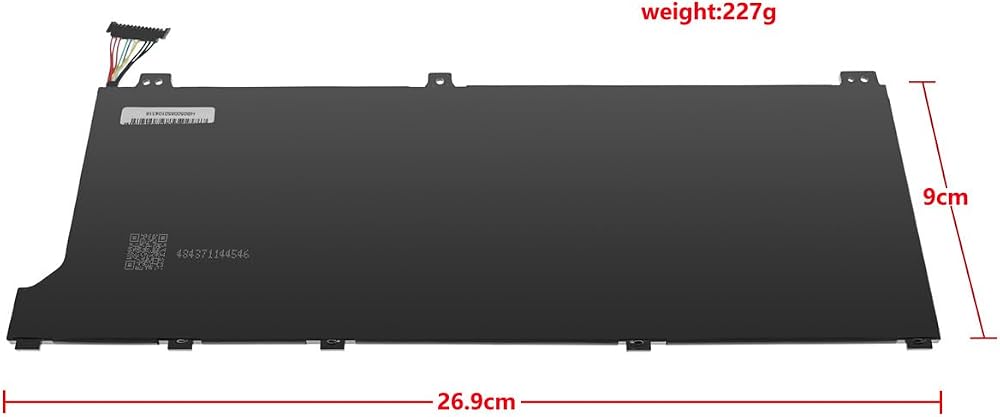
➡️ A: Check the Part Number (P/N) on your original battery. Also verify its shape, interface and voltage match
💡 Q2: Laptop Model vs. Battery Part Number?
➡️ A: A laptop model can use different batteries. The Part Number (P/N) is unique. Always prioritize matching the Part Number
💡 Q3: Slight voltage difference (e.g., 11.1V vs 11.4V), is it safe?
➡️ A: Yes, it's safe. A small voltage difference is normal and won't affect performance
💡 Q4: mAh vs. Wh? Does higher mean longer life?
➡️ A: Both measure capacity. A higher mAh or Wh rating generally means longer runtime
💡 Q5: Is it difficult to install?
➡️ A: No, installation is simple. For most laptop models, only requires removing a few screws from the bottom case. You can also find many helpful video guides on YouTube by searching "[Your Laptop Model] battery replacement"
 بطارية كمبيوتر محمول Tanch HS03 لسلسلة HP Pavilion 14 15 17 340 346 348 G3/G4
KWD 21.500
 Tanch 3576127PV-2S1P Laptop Battery for Gateway GWTN156-1BK 7BL 4GR 11BK
KWD 25
 بطارية كمبيوتر محمول Tanch C41PNJ5 0B200-13400200M بديلة لجهاز Asus Rog Strix G531GW G531GU GL531GU GL731GU G512LWS Acer Predator Helios 300 G3-571-77QK 15.4 فولت 4335 مللي أمبير/66 وات في الساعة
KWD 27.500
 استبدال بطارية الكمبيوتر المحمول لجهاز HP Tablet Elite X2 1012 G1 812205-001 812148-855 MG04XL MC04XL MG04 812060-2B1 812060-2C1 HSTNN-DB7F 7.7V 4820mAh 40Wh
KWD 25

 الكويت